

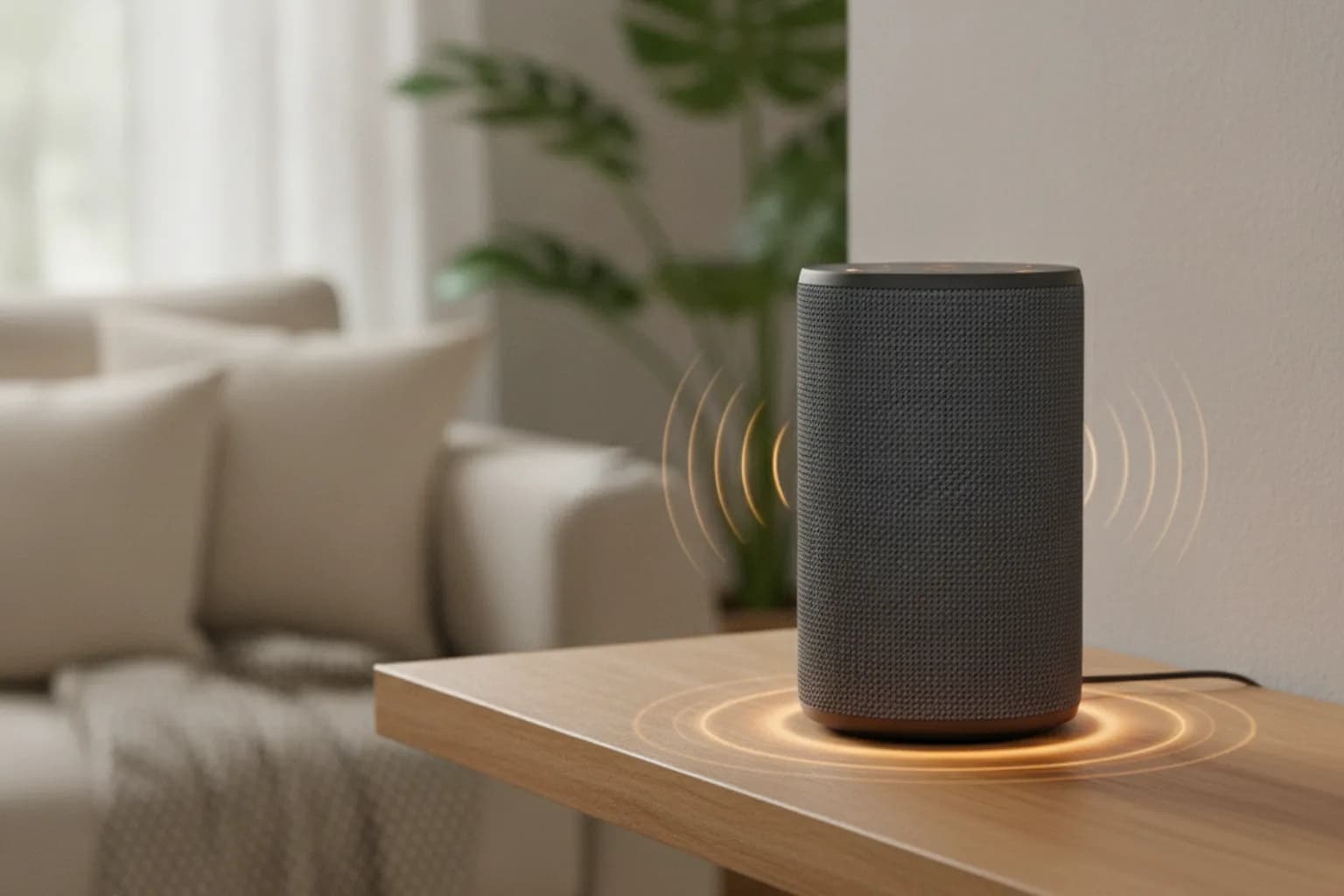
In short: A smart speaker constantly analyzes the sound around it, but according to the makers it only records and sends audio to the cloud after a wake word — «Alexa», «Okay Google», «Hey Siri». The real risk lies elsewhere: activation sometimes triggers by accident, recordings and transcripts are stored on servers, and your voice can become a biometric profile. A VPN encrypts your home traffic and hides your real IP from outside services, but it does not stop the speaker from sending audio to its own cloud — muting the microphone, clearing history, and tightening privacy settings do. Here is how it works and what to fix in 15 minutes.
How a smart speaker actually listens
A voice assistant does listen to the room continuously, otherwise it could never catch a command. But the processing happens in two stages. First the device recognizes a short wake word locally: audio spins in a small ring buffer for a couple of seconds and is immediately overwritten, and nothing leaves the device. Once the speaker hears the trigger, it wakes up, lights its indicator, and starts streaming to the maker's servers, where speech is turned into text and answered.
The catch is the word «supposedly». Wake-word detection is imperfect: a TV, a scrap of conversation, or a similar-sounding word often wakes the speaker without your knowledge. In those moments a random slice of your conversation goes to the cloud that you never meant to share. The closer the device sits to private spaces — bedroom, kids' room, a desk full of calls — the more these false triggers matter.
Smart displays with a camera add a separate concern. On top of the microphone there is now a lens, and therefore a potential leak not just of your voice but of the room itself. It is the same class of risk as other watching devices at home: we covered viewer tracking in our piece on content recognition on smart TVs.
What goes to the cloud and who wants it
After activation the servers keep not only the audio but its text transcript, a timestamp, the device, and often a link to your account. Many requests add up to a portrait: when you get up, what music you play, what you buy, what topics you say out loud. This data improves recognition, but it also feeds the ecosystem's advertising and recommendation systems.
- Voice request history — recordings and transcripts visible in the assistant's app.
- Voiceprint — a biometric model of your voice the assistant uses to tell you from other family members.
- Metadata — when, from which device, and how often you talk to the speaker.
- Third-party skill data — skills from other companies receive part of the request and follow their own privacy rules.
Your voice is as sensitive an entity as your browsing behavior: both turn into an advertising profile. If you already reset the advertising identifier on your phone (see how to disable ad-ID tracking), it makes sense to clean up your voice history too. And the speaker is just one node of the smart home; our broader approach lives in the guide to smart home privacy.
What real cases have shown
Fears about eavesdropping are not pure paranoia — they have a documented side. Several major cases showed exactly how voice data leaks beyond user expectations.
- Google's ~$68M settlement. A class action alleged that the Assistant activated and recorded conversations without clear consent, including when users believed the feature was off.
- Amazon voice-biometrics suit. An Illinois court certified a class of roughly 1.2 million people who claim the Voice ID feature collected their voiceprints without consent; as of 2026 the case is ongoing.
- Human review of clips. Major makers previously admitted that some short fragments were listened to by human contractors to improve recognition — meaning audio from your home can, in principle, be heard by more than an algorithm.
The practical takeaway: default privacy settings are rarely the strictest, and «we do not listen» should be read as «we should not listen without activation» — not as a technical guarantee of silence.
Where a VPN helps and where it cannot
Here it pays to be honest. A VPN is a strong network-privacy tool, but it works at the transport layer, not inside the assistant's cloud. A recording of your voice reaches the maker over an encrypted channel regardless, and a VPN neither intercepts nor cancels that stream. What a VPN does close is a different layer of threats — everything visible from outside your network.
| What you want to close | Does a VPN help | What actually works |
|---|---|---|
| Your ISP sees many IoT devices at home and when you are active | Yes — if the VPN runs on the router | VPN on the router |
| Outside services see your home's real IP and city | Yes | VPN |
| Controlling the speaker from an app on public Wi-Fi | Yes | VPN on your phone |
| The speaker sends your voice recording to the maker's cloud | No | Mute the microphone, do not save history |
| Clips reach human review | No | Opt out of «service improvement», clear history |
| A false trigger recorded something extra | No | Hardware microphone mute button |
It is most practical to encrypt not a single gadget but all of your home traffic at once — then the speaker, TV, cameras, and phones are protected without setup on each device. We describe how in the article on protecting your home network with a VPN; you can pick a plan on the LiMP VPN pricing page. But to say it plainly: a VPN removes the risk of network-level observation, not the risk that the assistant overhears something inside the room. The second one is solved by settings and the mute button.
Privacy settings by popular assistant
Interfaces change, but the logic is the same everywhere: find the voice-history section, turn off indefinite storage, and opt out of «service improvement». Here are the landmarks for the main ecosystems.
Amazon Alexa and Echo
In the Alexa app go to Settings → Alexa Privacy: turn off recording storage (or enable auto-delete), disable helping develop new features, and, if you wish, opt out of Voice ID. On Echo devices the mute button cuts power to the microphone array.
Google Assistant and Nest
In your Google account open «Web & App Activity» and the voice section: turn off saving audio and enable auto-delete on a schedule. Nest speakers have a hardware microphone switch — when it is off, the device physically does not record.
Apple Siri and HomePod
Apple by default does not store audio tied to your Apple ID and lets you opt out of improving Siri and delete your request history in privacy settings. It is one of the gentler models for privacy, but the HomePod microphone is still active while the device is on.
Sonos and other third-party speakers
Speakers like the Sonos Era 100 add their own privacy controls plus a hardware circuit-break mute that physically prevents audio capture when engaged. Check the maker's app for voice-history and data-sharing toggles, and prefer devices that expose a real hardware mute.
Checklist: secure your smart speaker in 15 minutes
- Find the hardware microphone mute button on the body and get used to pressing it before important conversations.
- In the assistant's app turn off indefinite recording storage and enable auto-delete for history.
- Opt out of «service improvement» and human review of clips if the option exists.
- Move the speaker out of the bedroom and kids' room, or at least keep it away from where private talks happen.
- Revoke unneeded permissions — access to purchases, contacts, calendar — that you do not use.
- Keep the speaker firmware and your Wi-Fi password up to date; a weak router undoes any privacy setting.
- Run a VPN on the router so all smart-home traffic is encrypted and your ISP cannot profile your devices.
- Review your request history once a month — that is how you spot false triggers and stray recordings.
The speaker is not the only smart listener at home. By the same logic it is worth checking the privacy of smartwatches and fitness trackers, which quietly collect data about your body and movements that is just as sensitive.
Frequently asked questions
Does the speaker listen to my conversations before the wake word?
The microphone is technically always on, but before activation the audio, per the makers, does not leave the device — it spins in a short local buffer and is erased. A real leak is possible on a false trigger, when the speaker mistakenly thinks it was called.
Can I trust the microphone mute button?
On most decent models it is a hardware circuit break rather than a software flag, so it is more trustworthy than an in-app setting. A good sign is an indicator that lights up and stays on while the microphone is off.
If I delete recordings in the app, are they really gone?
From your interface, yes, but text transcripts, aggregated metrics, and server-side backups may live longer under internal policies. So it is safer not to accumulate history at all than to keep clearing it.
Does a VPN hide what I actually say to the speaker?
No. The recording goes to the maker's cloud over an encrypted channel regardless of a VPN. A VPN hides your IP and stops your ISP from profiling your home network, but it does not cancel the voice transfer to the assistant.
Is it risky to put a smart speaker in the bedroom or kids' room?
These are the most private-conversation zones, so the risk of an accidental recording is higher there. If you need the speaker there, keep the microphone off by default and turn it on deliberately for use.
Which is more private — a speaker with a screen and camera or without?
Without a camera. A smart display adds a lens and the risk of leaking a picture of the room, so for a bedroom or bathroom a model without a camera, or with a physical shutter, is preferable.
Should I buy a smart speaker if I care about privacy?
You can, if you manage history deliberately, use the mute button, and keep the device in a neutral zone like the kitchen or living room. Full privacy comes only from local processing on alternative firmware, which is harder and voids the warranty.