

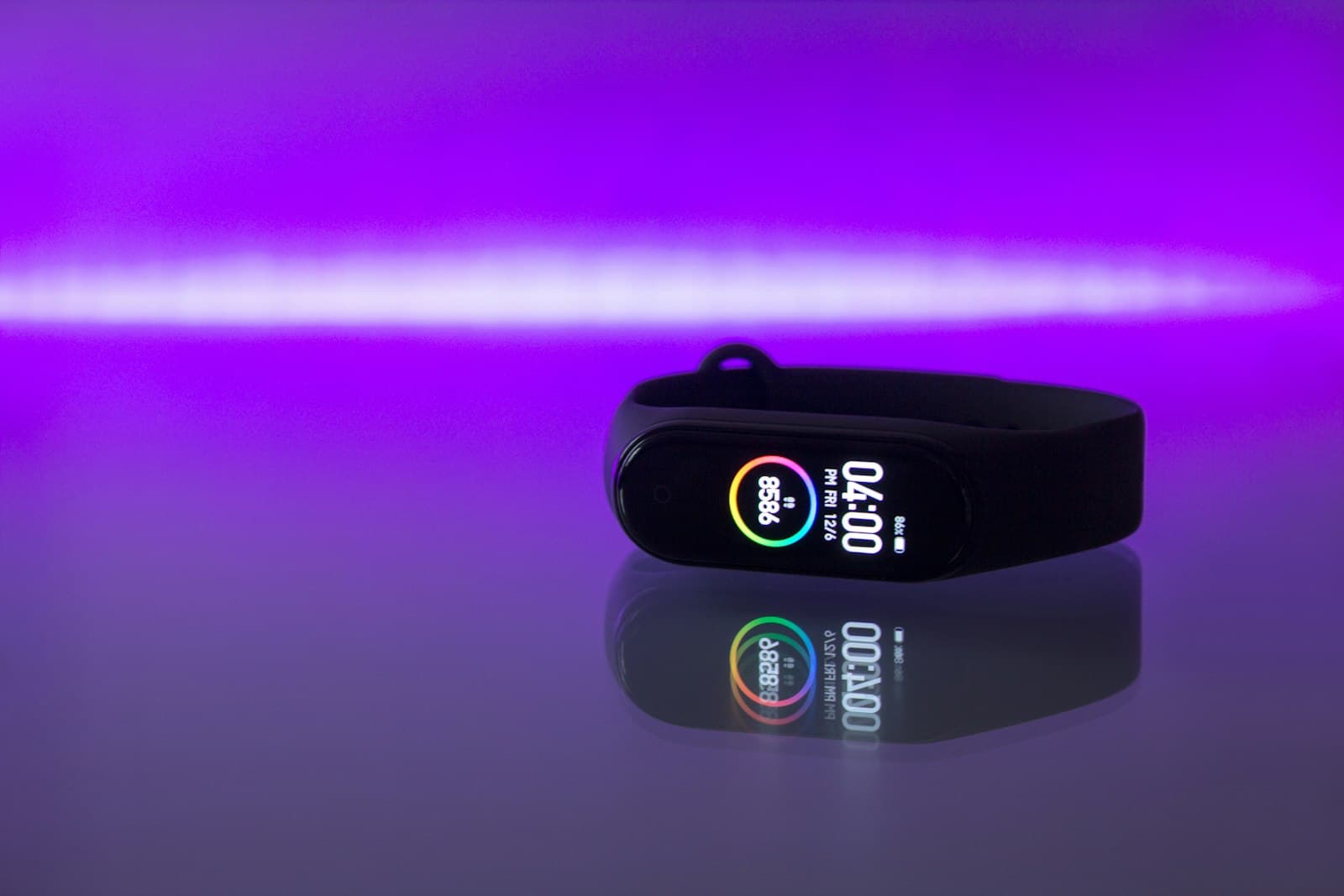
In short: Smartwatches and fitness trackers continuously record your heart rate, sleep quality, stress level and precise GPS routes, then sync all of it to your phone and the maker's cloud. The real threat isn't someone hacking the watch — it's a leak of health and movement data that reveals your home, schedule and habits. A VPN won't stop the app from collecting data, but it encrypts syncing on public networks, hides your real IP and approximate location, and keeps your ISP and ad trackers from profiling you. Here's exactly what leaks and how to close the gaps in one evening.
What data smartwatches and trackers collect
A wearable is not just a notification screen on your wrist. Inside is a sensor stack that captures more biometrics than the phone in your pocket. The watch runs non-stop, including overnight, so the picture it builds is detailed and deeply personal.
A typical data set from modern watches and bands:
- Health biometrics — heart rate, heart-rate variability, blood-oxygen saturation (SpO₂), sometimes ECG and skin temperature.
- Activity and sleep — steps, workouts, sleep stages and duration, an estimated stress level from your pulse.
- Location — GPS routes of your runs and rides, which expose your key places: home, work, gym.
- Reproductive health — menstrual-cycle data in fitness apps, one of the most sensitive categories.
- Technical identifiers — device model, OS version and advertising IDs that link you across different apps.
On its own each item looks harmless. The problem is that together the sensors reconstruct your daily routine almost minute by minute — and that data lives not only on your wrist but on the maker's servers.
Why leaked wearable data is dangerous
The danger of wearables isn't that someone reads your pulse — it's that biometrics plus location add up to a profile of a real person with an address and a schedule.
The best-known example is Strava's global heatmap in 2018. Aggregated running routes accidentally lit up the layout and internal paths of military bases in remote regions: soldiers exercised with their trackers on, and classified sites appeared on a public map. The lesson is simple — movement data that looks anonymous at first glance is easy to de-anonymize once there's enough of it.
For an ordinary user the risks are more down to earth but just as real:
- Surveillance and stalking. A public profile with routes reveals your home address and the hours you're away.
- Blackmail and social engineering. Health, routine and location data are raw material for pressure and for convincing phishing that pretends to be your fitness app.
- Profiling and ads. Health details leak to data brokers; fitness trackers aren't covered by medical privacy law — in the US, HIPAA does not apply to them.
- Database breaches. Any service can be hacked, and then your workout history, in-app messages and email end up public.
It's worth checking whether your data has already leaked and understanding the wider picture in our guide to protecting your personal data online.
How watch data reaches the network — and where it's intercepted
To see where a VPN helps, follow the whole data path. It has three legs, and the risk on each is different.
- Watch → phone. The link runs over Bluetooth at short range. This is a local leg that an ordinary VPN does not encrypt — here you're protected by timely firmware updates and by pairing only with a trusted phone.
- App → maker's cloud. Your phone sends biometrics to the company's servers over the internet. Third-party SDKs join in too: independent audits of mobile apps regularly find advertising and analytics trackers baked into fitness software, quietly sending data off to others.
- Syncing on someone else's network. If your phone uploads a workout from a café or airport, the traffic goes over public Wi-Fi, where the hotspot owner or a stranger on the same network can see it. Untrusted networks are exactly where you need encryption.
Wearables are part of the wider ecosystem of gadgets around you, and the privacy approach is the same as for other connected devices — see our breakdown of what a VPN actually protects against.
What data leaks, who sees it, and whether a VPN helps
A VPN is powerful but not a cure-all. It works at the network level: it encrypts internet traffic and swaps your IP address. So it's effective against some threats while others are closed only by device settings. The table below shows exactly where that line runs.
| Device data | Who can access it | Does a VPN help? |
|---|---|---|
| Heart rate, sleep, stress | The app and the maker's cloud, third-party SDKs inside the app | Partly: hides it from your ISP and network observers, but not from the app itself |
| GPS routes and location | Fitness app, ad trackers; with a public profile, anyone | Yes at the network level: hides your real IP and region; route privacy is a separate setting |
| Sync traffic on public Wi-Fi | The hotspot owner, strangers on the same network | Yes: encrypts all phone traffic on an untrusted network |
| IP address and approximate location | Websites, ad networks, app analytics | Yes: replaces your IP with the VPN server's address |
| Data you hand to the maker yourself | The manufacturer and its partners | No: that's about account settings and consents, not the network |
What a VPN really does for smartwatches — and what it doesn't
The key rule: a VPN protects the channel, not the contents of your account. Understanding that line saves both stress and money.
What a VPN genuinely gives a watch or band owner:
- encrypts all of your phone's internet traffic, including fitness-app syncing, on untrusted networks;
- hides your real IP address and approximate region from websites, ad networks and analytics;
- stops your ISP from seeing which services your apps reach and how often, and from profiling you on that.
What a VPN won't do, and it's only fair to know:
- it won't stop an app from collecting biometrics you granted it permission to read;
- it won't encrypt the Bluetooth link between watch and phone — that's a local connection;
- it won't delete data that has already gone to the maker's cloud.
So a VPN is a baseline network layer that works together with privacy settings. If you want to cover the network leg on the phone your watch is paired with, start with a plan that fits — LiMP offers an affordable no-logs plan with no traffic limits. If you're still weighing options, compare a free versus paid VPN first.
Privacy settings on the watch and in the app
Most of the risk closes in ten minutes. Walk through these points in the maker's app and in your phone settings.
- Permission audit. Revoke the fitness app's access to contacts, microphone and background location if they aren't needed for features you actually use.
- Location only while in use. Disable background location tracking — recording a workout only needs access during the workout itself.
- Private profiles and zones. In sports apps, hide your routes from strangers and enable privacy zones around home and work so a track doesn't start at your front door.
- Minimal third-party integrations. Every link to a social network or outside tracker is one more copy of your data. Keep only what you use.
- Strong password and two-factor authentication on the maker's account — the first barrier when a database leaks.
Checklist: how to protect your smartwatch and fitness band
A short action plan worth doing today:
- Make your sports-app profile private and set privacy zones around home and work.
- Turn off background location and unnecessary permissions for the fitness app.
- Enable two-factor authentication and change the password on the maker's account.
- Update the watch firmware and the app — patches close known vulnerabilities.
- Don't upload workouts on open Wi-Fi without a VPN — switch on a protected connection first.
- Check your email against breach databases and never reuse that password elsewhere.
- Remove integrations with third-party services you don't use.
- Install a VPN on the phone your watch is paired with to cover the whole network leg.
Frequently asked questions
Can a VPN hide my health data from the watch maker?
No. A VPN encrypts the channel and hides your IP, but if you agreed to send heart rate and sleep to the maker's cloud, that data still reaches them — just over an encrypted link. You control it through account settings and permissions, not through a VPN.
Do I need a separate VPN on the watch itself?
In most cases no: the watch reaches the internet through the paired phone, so a VPN on the phone covers its traffic too. A standalone VPN matters only for cellular watches with their own SIM or eSIM and a direct network connection.
Are cheap fitness bands from certain brands dangerous?
The risk is set not by the brand's country but by which permissions the app demands and where the data goes. Before buying, check the privacy policy and the list of requested permissions, then run a permission audit after install.
Can my employer see data from a corporate fitness tracker?
In corporate wellness programs, yes — to the extent described in their policy. Before joining, read which metrics are collected and who receives them, and use a separate account where possible.
What should I do if my fitness app data leaks?
Change the password immediately, enable two-factor authentication, check your address in public breach databases, and replace that password everywhere you reused it. Phishing emails pretending to be the service rise after a leak, so treat them with caution.
Is it safe to publish workouts on sports social networks?
You can, but with privacy settings: hide exact routes from strangers and enable privacy zones around home. Otherwise regular runs reveal your address and routine.
Does a VPN protect the link between the watch and the phone?
No. The watch-to-phone link runs over Bluetooth — a local channel a VPN doesn't touch. Here firmware updates and pairing only with a trusted device are what help.