

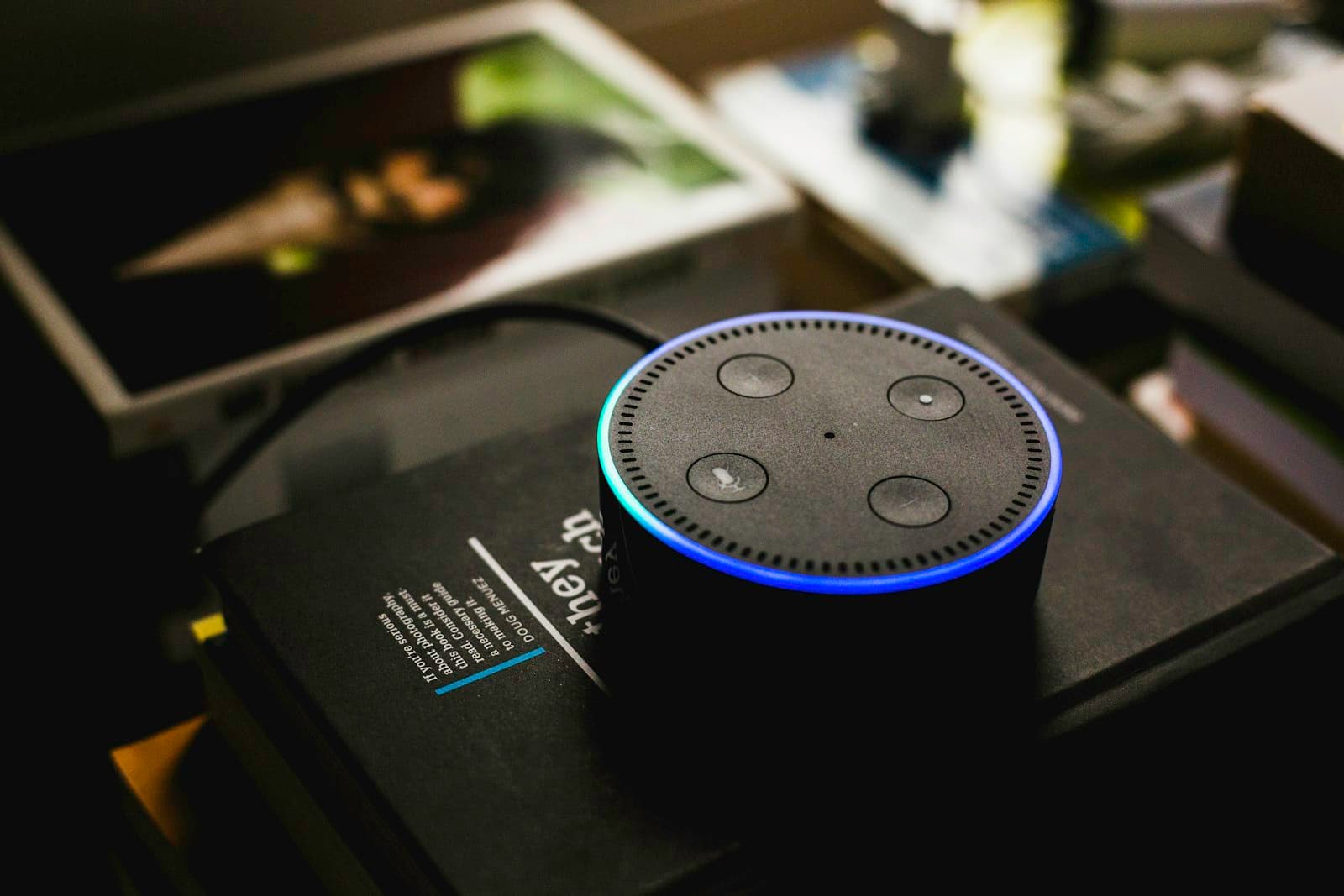
In short: Smart speakers, cameras, TVs, robot vacuums and even light bulbs constantly collect data about your home: voice queries, presence schedules, geolocation, floor plans. The three biggest risks are leaks on the manufacturer's side, hacks from weak passwords, and devices being drafted into botnets. Protection is layered: a separate Wi-Fi network for smart devices, a review of privacy settings, and encrypted traffic. A VPN on your router hides home activity from your ISP and secures remote access to cameras, but it does not close holes inside the devices themselves — strong passwords and firmware updates are still on you.
What a smart home actually collects
Every "smart" device is a sensor wired to the manufacturer's cloud. A speaker listens to the room waiting for a command, a camera watches the hallway around the clock, a TV knows what and when you watch. In isolation this data looks harmless, but together it builds a detailed profile: when you are home, what you are doing, who visits, and what your habits are.
The problem is not only the volume but the fact that the owner barely controls what leaves for the servers. Manufacturers collect audio and video streams, geolocation, environmental readings and behavioral patterns, while the user sees only the tip — an on/off toggle in an app. Here is what classes of devices collect and where the main risk sits.
| Device | Data it collects | Main risk |
|---|---|---|
| Smart speaker / voice assistant | Voice queries, schedule, linked accounts | Accidental recording, clips sent to servers |
| Camera and baby monitor | Video, audio, time you are home | Hacks and public access to the stream |
| Smart TV | Viewing history, voice, installed apps | ACR tracking and ad profiling |
| Robot vacuum | Map and layout of your home | Floor-plan leak if the cloud is breached |
| Smart bulbs and plugs | On/off schedule — indirectly, your presence | Inferring when nobody is home |
| Wearable sensors and watches | Heart rate, sleep, steps, geolocation | Biometrics and location trail in the wrong hands |
How data leaks: four channels
A smart-home leak almost never looks like a dramatic "hack." More often it is a quiet stream of data through normal channels the owner never thinks about.
- The manufacturer's cloud. Voice, video and telemetry go to the vendor's servers by default. If the company is breached or resells data to partners, your share leaks too.
- Unencrypted transmission. Cheap devices sometimes send data over open or poorly secured protocols. On the same network, a neighbor or a guest on public Wi-Fi could in theory intercept the traffic.
- Metadata at the ISP. Even with encrypted content, your internet provider sees which clouds the devices contact and how often — and therefore which gadgets you own and when you are active.
- Direct hacking. A factory password like admin/admin, an exposed camera port, or unpatched firmware turns a device into an entry point to your home network.
Real threats in 2026
Behind the abstract word "privacy" sit very concrete scenarios already happening to mass-market devices.
- Botnets. Compromised cameras and routers are herded into networks like the infamous Mirai and used for powerful DDoS attacks. Your device attacks other sites while you pay for the traffic and lose speed.
- Snooping and eavesdropping. A camera with a default password or a leaky cloud hands a stranger direct access to video from your home.
- Ad profiling. ACR technology in smart TVs recognizes what is on screen and links it to your profile — even when you watch from an external box.
- De-anonymization via metadata. The mix and timing of device traffic reveal the hardware in a home and a family's routine.
- Stalking via location history. Wearables and smart-home apps store movement history that becomes dangerous if the account leaks.
To understand where traffic encryption actually helps, it is worth soberly mapping the limits of a VPN first — covered separately in what a VPN protects against and what it does not.
Where a VPN helps and where it does not
A VPN is a tool for traffic, not a universal shield. It encrypts data between your network and a server and hides request destinations from your ISP, but it does not control what a device willingly sends to the manufacturer's cloud. The honest picture looks like this.
| Threat | Does a VPN help? |
|---|---|
| ISP sees which clouds your devices contact | Yes — encrypts traffic and hides destinations |
| Traffic interception on a foreign or public network | Yes — data travels in an encrypted tunnel |
| Data collection by the device manufacturer | No — data leaves with your consent in the app |
| Hack from a weak or factory password | No — you need a strong password and two-factor auth |
| Vulnerability in outdated firmware | No — you need regular updates |
| Remote access to a camera while away | Yes — safer over a VPN than exposing a port |
Network segmentation and a VPN on the router
An underrated basic move is to split your home network. Keep smart devices on a separate SSID or guest Wi-Fi, and laptops, phones and work data on the main one. Then a hacked bulb cannot become a bridge to the computer running your banking apps. A common companion question — how a VPN fits the broader privacy picture — is laid out in VPN vs proxy vs Tor.
A VPN running on the router itself encrypts every device at once — including those with no apps of their own: speakers, bulbs, plugs, TVs. If streaming speed and tunnel stability matter, pick a modern protocol: WireGuard runs on ChaCha20-Poly1305 and is noticeably lighter than older options. Before that, it is worth confirming your setup leaks nothing via a DNS leak test. You can choose a suitable exit-node region on the LiMP servers page and compare family plans under pricing.
Privacy settings inside the devices
Half of smart-home protection lives not in the router but in the device apps. These toggles are usually buried, yet they decide how much data leaks.
- Turn off the microphone and camera physically or in settings when you do not need them.
- Disable ACR (content recognition) in your smart TV's privacy menu.
- Turn off remote camera access if you do not use it daily.
- Check what permissions an app requests and revoke the excess (location, contacts, background activity).
- Regularly clear voice and viewing history in your account.
- Disable the "always listening" feature if it is not critical for you.
Checklist: secure your smart home in one evening
These steps genuinely fit into a single evening — and they close most of the typical risks.
- Change every factory password to a unique, long one and enable two-factor authentication where available.
- Update the firmware of your router and every smart device to the latest version.
- Create a separate Wi-Fi network (guest or a second SSID) just for smart devices.
- Disable port forwarding and UPnP on the router; reach cameras over a VPN, not open ports.
- Walk through each device's privacy settings and switch off needless data collection.
- Run a VPN on the router to encrypt traffic from devices that have no apps of their own.
- Unplug gadgets you no longer use — every extra node widens the attack surface.
- Every couple of months, check the network for unfamiliar devices.
Frequently asked questions
Can a smart speaker record conversations without a command?
Not on purpose, but false triggers on phrases that sound like the wake word do happen, and those short clips can be sent to servers to "improve recognition." So it is worth disabling always-on listening and clearing your query history from time to time.
Do I need a separate antivirus for a smart home?
You usually cannot install antivirus on the IoT devices themselves. Protection here is network hygiene: segmentation, strong passwords, updates and encrypted traffic. Antivirus matters more on the phones and computers you use to manage the home.
Can my ISP see which smart devices I own?
From metadata — which clouds get contacted and how often — your ISP can likely identify device types and your routine. A VPN hides those destinations, leaving only an encrypted tunnel visible.
Is it safe to view cameras through a mobile app away from home?
The official app usually uses encryption, but the most vulnerable approach is exposing a camera port to the internet for direct access. It is safer to connect home via VPN and open the camera from inside the network.
Should I buy cheap no-name devices?
The main issue with no-name gadgets is the absence of security updates and opaque clouds hosted who-knows-where. If you go budget, all the more reason to isolate the device on a separate network and limit its internet access.
Will a VPN help if a device is already hacked?
No. A VPN encrypts traffic but does not heal a compromised device. If you suspect a breach, factory-reset the gadget, update its firmware, change passwords, and only then return it to the network.
Can I install a VPN directly on a smart speaker?
Most speakers and bulbs do not accept a standalone VPN client. That is exactly why it is easier to encrypt their traffic at the router level — one tunnel covers every device at once.