

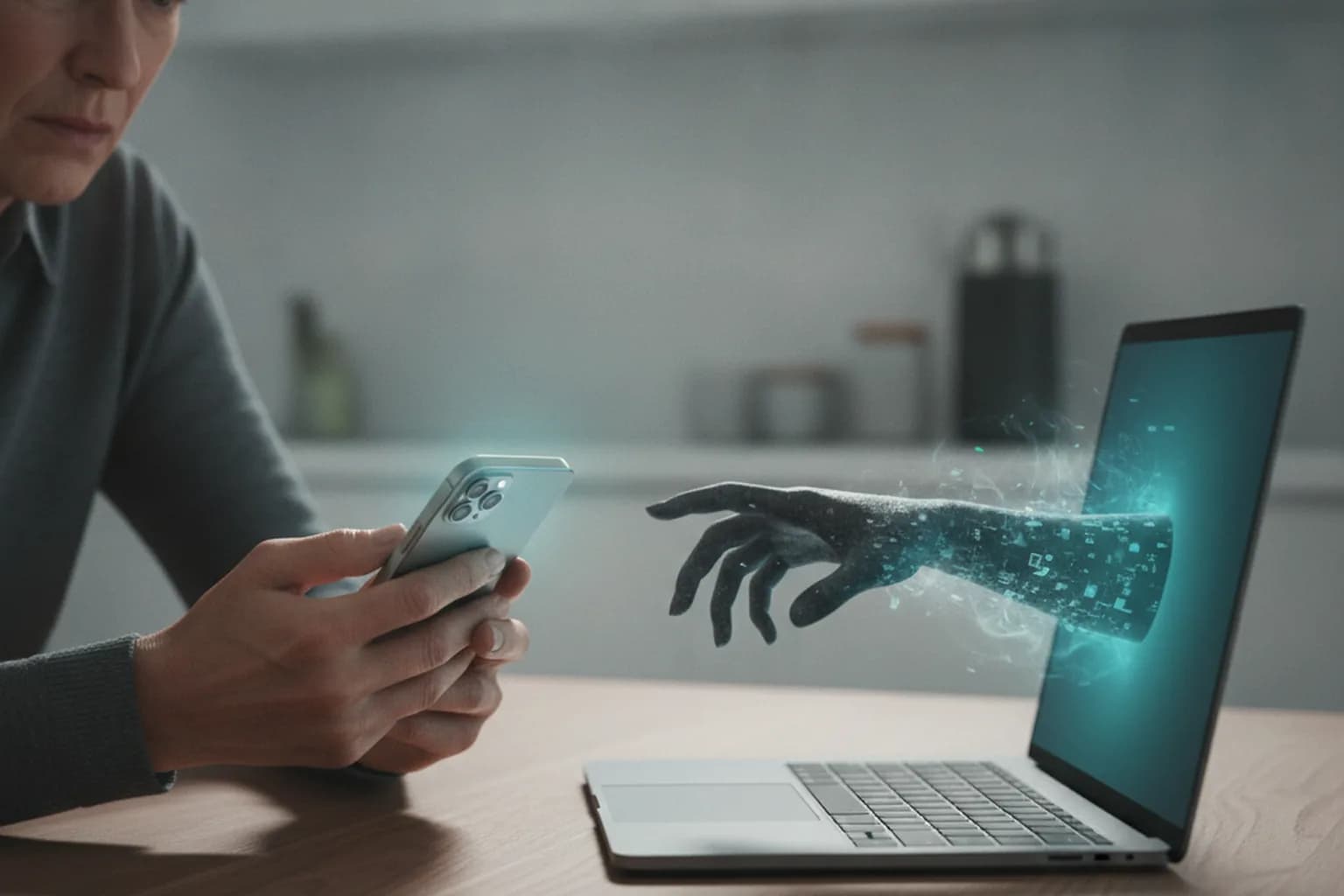
In short: Scammers posing as your bank, tech support, a recruiter or a refund department talk you into installing a remote-access app — AnyDesk, TeamViewer, RustDesk — and reading out the connection code. Once connected, they see your screen, control your phone or computer, and steer you into transferring money or entering passwords. These apps are legal and not malware: the danger isn't the software, it's the consent they trick out of you. A VPN encrypts your traffic and hides your IP, but it can't stop you from voluntarily handing over control of your device — so the real defense is simple: never install these programs at a caller's request.
What remote-access programs actually are
Remote access is a legal, everyday technology. An IT admin uses it to fix a laptop in another city, support staff help you set up a printer, and you can reach your home PC from vacation. They all work the same way: an app is installed, it shows a numeric ID and a one-time code, and a second person connects with that code and sees the screen. Depending on the permissions, they can then move the cursor, type, and transfer files.
The best-known tools in this class are AnyDesk, TeamViewer, RustDesk, Chrome Remote Desktop, and Splashtop. None of them is malicious — this is ordinary software used daily by millions of IT professionals. The problem isn't the program's code, it's the trust model. Whoever you give the connection code to gains almost the same power over the device as you have sitting in front of it. Scammers don't hack these apps — they hack the person, convincing them to launch the program and read out the code voluntarily.
That's why antivirus software often flags these tools as potentially unwanted programs: not because there's a virus, but because the tool hands a stranger full control. If you didn't start the session yourself, take that warning literally.
How the scheme works, step by step
The con almost always follows one script; only the pretext and the caller's role change. Recognizing the sequence helps you catch the attack in its first minutes.
- Contact and alarm. A call, a messenger text, or an email manufactures an urgent threat: someone is trying to drain your account, a new login was detected, or you must confirm a transfer right now.
- The specialist cover story. The caller claims to be from your bank, a security department, tech support, your carrier, or a government portal, and speaks confidently, with a script and a case number.
- Request to install a service app. They dictate an app name or send a link — supposedly a secure bank app or a verification module. In reality it's AnyDesk, TeamViewer, or a clone from the official store.
- Request for the access code. After install, the app shows an ID and a code, and they ask you to read it out to connect to a secure line. At that moment the stranger gains screen access.
- Control by dictation. Next they ask you to open your banking app, not touch the phone, and read out or enter incoming one-time codes. The scammer sees everything on screen and often already controls the device.
- Cash-out. Under the pretext of moving funds to a safe account, cancelling a suspicious transaction, or processing a refund, the money goes to the criminal — and sometimes a loan is taken out in your name too.
The key tell: no legitimate service ever asks you to install a third-party remote-access program and read out a connection code. Your bank does not fix your account through your screen.
Five pretexts in heavy use in 2026
The script is one; the wrappers evolve. Here are the current cover stories used to extract remote access.
1. The bank security department
The classic: a call claiming to be from your bank reports a suspicious transaction and offers to protect your account. They ask you to install a verification app. A real bank handles this inside its own app and via the official number on the back of your card — and never asks you to install AnyDesk.
2. Refunds and compensation
Victims of earlier scams (failed investments, fake brokers, frozen payouts) get calls promising to recover their losses through a chargeback process. The condition: install a remote-access program to process the refund. The victim ends up losing even more. If someone promises to return money in exchange for access to your device, it's a second con.
3. Fake tech support
A pop-up saying your computer is infected, call support, or a call claiming to be from Microsoft or your ISP. The diagnosis is always the same: we need to connect urgently and clean your system. Neither Microsoft nor a government portal calls users offering to remotely treat a device.
4. Fake job interviews and remote gigs
A fresh 2026 scheme: under the guise of hiring for a remote job, a candidate is sent a test task and asked to connect via AnyDesk or run an attached file — supposedly to access the corporate environment. That's how data and money are stolen from job seekers. A real employer never needs remote access to your personal device during interviews.
5. Wrong-transfer and courier scams
You're told money was accidentally credited to you and asked to help return it — again by installing a program. A variant involves a courier or marketplace where cancelling an order requires connecting to your screen. The logic is always the same: move control of the device to a stranger.
Red flags: how to spot the con
Telling a scammer apart is easier than it seems if you focus not on how convincing they sound but on what they're asking for. Be on guard if even one of these appears.
- They ask you to install a program with an unfamiliar name or via a link in a message.
- They demand you read out a code or ID shown by the app.
- They create artificial urgency: you must act now or the money will be gone.
- They ask you to stay on the line, call no one, and not close your banking app.
- They dictate which buttons to press in your bank app, or ask you to read out an SMS code.
- They promise to return money you lost earlier in exchange for device access.
- The voice sounds like a real employee — today tone and timbre are faked by AI. We covered how such fakes work in our piece on AI voice-cloning scams.
When in doubt, hang up and call the organization yourself using the official number. A real service won't be offended, and it strips the scammer of their main weapon — haste and pressure.
Does a VPN protect against remote-access scams
Honestly, with no marketing spin: a VPN does not directly protect against this scheme. Remote access is social engineering, not a network attack. If you installed the app and read out the code yourself, an encrypted tunnel won't stop the scammer from seeing your screen — you handed over control voluntarily, at the app level, not the network level.
What a VPN does cover is an adjacent class of threats that often travels alongside phone scams: it encrypts traffic on public networks (so data can't be intercepted on someone else's Wi-Fi) and hides your real IP address. That's part of basic digital hygiene, not a shield against this specific con. To avoid illusions, here's where a VPN helps and where it's useless.
| Threat | Does a VPN help | What actually protects you |
|---|---|---|
| You installed AnyDesk at an agent's request | No | Awareness: don't install apps because of a call |
| Scammer sees your screen and controls the device | No | Never share the access code; end the session |
| Traffic interception on public Wi-Fi | Yes | A VPN encrypts the connection |
| Tracking of your real IP and location | Yes | A VPN masks your IP address |
| Transferring money to a safe account by dictation | No | Rule: banks don't move money via your screen |
| Phishing link to a fake bank site | Partly | Checking the URL and staying alert |
The takeaway is simple: a VPN is a useful layer of overall security, but only your decision not to hand over control saves you from a remote-access scam. The basic hygiene — encrypting traffic and hiding your IP on any network — is handled by LiMP VPN; everything else comes down to the habit of not trusting inbound calls that ask you to install an app.
Protection checklist: set this up in advance
These steps cut the risk on your own device and for the relatives scammers target most often.
- The one-sentence rule: nobody from a bank or support has the right to ask you to install a remote-access program. If you hear that request, hang up.
- Install apps only from official stores (App Store, Google Play) and only when you decided to, not on a caller's prompt.
- Call back yourself using the number on the back of your card or the official website — not the number the caller gave you.
- Check sites and links before entering data; how to tell a fake apart is in our guide on how to spot a fake website.
- Set bank limits and alerts: a daily transfer cap and a push notification for every transaction give you time to stop.
- Warn older relatives in advance — they get called more often, and a call-me-first agreement beats any technology.
- Keep your system and antivirus updated and don't disable potentially-unwanted-program warnings.
- Enable two-factor authentication on your bank and email — more in our article on how to protect your account from hacking.
If you already granted access — what to do
Act fast and in order, without panicking. The sooner you cut the session and freeze the money, the better you can limit the damage.
- Cut the connection. Turn off Wi-Fi and mobile data to break the remote session, then close and uninstall the program.
- Freeze the money. Call your bank on the official number, block cards and transfers, and cancel operations if you can still reach them in time.
- Change passwords for your bank, email, and messengers from a different, trusted device, and end all active sessions.
- Inspect the device for unknown apps and signs of compromise — what to look for is in our article on signs your phone is hacked.
- Document the details (time, numbers, amounts, screenshots) and file reports with your bank and the police — you'll need them for the investigation and any refund.
- Check your credit report: loans are sometimes taken out under remote access, and an early check helps you dispute them.
Frequently asked questions
Are AnyDesk and TeamViewer legal?
Yes, they're fully legal programs used by millions of professionals. The danger only arises when you install them and hand over the access code at a stranger's request. Merely having the program on your device isn't a threat.
Can a scammer connect without my consent?
A one-off session needs the code the app displays — without it, no connection is possible. The risk appears if you're talked into enabling unattended access with a fixed password: then they can reconnect later too. So never enable those settings with a stranger on the line, and uninstall the program after any incident.
Why does my antivirus flag these programs as a threat?
It doesn't mean there's a virus. Antivirus tools flag remote-control software as potentially unwanted because it's dangerous in the wrong hands. If you didn't start the session yourself, the warning is a reason to be cautious, not to disable protection.
Which is riskier — granting access on a phone or a computer?
Both are dangerous, but a phone is often more critical: it holds your banking app, incoming SMS codes, and login confirmations all at once. Taking control of a smartphone lets a scammer see both the money and the confirmation codes together.
Does two-factor authentication help during an active session?
Only partly. 2FA protects against logins from someone else's device, but if the scammer sees your screen in real time, they also see the one-time code you enter. So during an active remote session the second factor won't save you — you have to break the connection first.
Will the bank refund money I transferred myself under dictation?
It's harder than with theft you weren't part of, since formally you approved the operation. Even so, you must file a report as fast as possible — some transfers can be halted, and the fraud record matters for the investigation. The earlier you report, the better your odds.
How do I tell if a remote-access program was installed without my knowledge?
Signs include: an unfamiliar app in your installed list, the cursor moving on its own, session pop-up windows, rapid battery drain, and the device heating up. At any suspicion, disconnect from the internet, uninstall the program, and scan the device.