

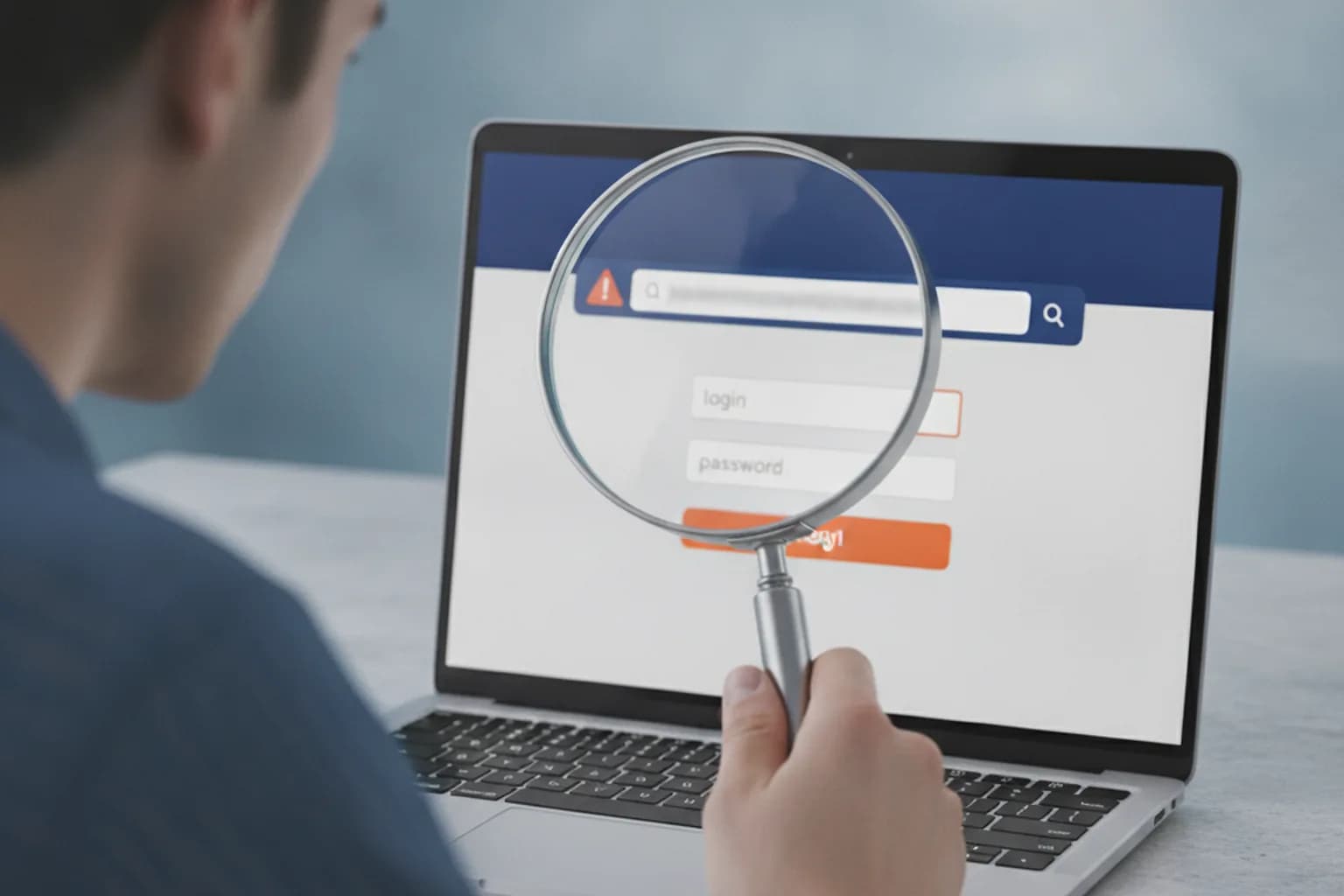
In short: to check whether a website is a scam, never trust the padlock alone — it only means the connection is encrypted, not that the owner is honest. Look at the domain (typos, extra words, odd extensions), the site's age via WHOIS, whether it lists a real address, phone and company registration, and the nature of its reviews. Phishing sites are short-lived and almost always rush you to "pay now." When in doubt, don't enter card details or passwords — verify the seller through official sources first.
What a phishing site is and why it's easy to fall for
A phishing site is a fake page disguised as a well-known brand, bank, marketplace or government service, built to trick you into handing over a login, password, one-time code or bank card details. Unlike malware, there is no "hacking" of your device: you voluntarily type in your data, convinced you're on the real site.
Landing on one is easier than it sounds. The link arrives in an email, messenger or text, appears in an ad, hides behind a QR code, or slips into search results for a query like "log in to my bank." People usually click in a hurry — "your order is delayed," "confirm your login," "claim your refund" — and don't stop to read the address. That rush is exactly what scammers count on.
A special danger is fake online stores and "mirror" copies of popular services. They look nearly perfect: cloned design, logos, product cards. The difference is in details you only notice if you know where to look.
Key signs of a scam website
No single sign proves fraud on its own — but the more of them line up, the higher the risk. Check them in order.
- A suspicious domain. Scammers register addresses that resemble the original: swapping letters for digits (
0foro,1forl), adding extra words (paypal-secure-login.com) or using an unusual extension. Always read the whole address, not just the beginning. - A price that's too good, or an artificial "deadline." 80% off a new phone, "last item left," a countdown timer — classic tricks to make you pay instead of think.
- Pressure and urgency. "Pay within 15 minutes," "your account will be blocked," "confirm your details now." Real services don't talk like that.
- No contacts or business details. Missing address, phone, legal name or company registration number is a serious red flag, especially for a store.
- Strange payment methods. A request to send money to a personal account, via crypto, or through a "direct link" instead of a normal payment gateway.
- Errors and broken layout. Typos, machine translation, dead links, misaligned blocks — signs of a hastily built fake.
- A card or password form where it shouldn't be. A legitimate site never asks for full card details including the CVC just to "verify" or "unlock" something.
How to check the domain and the site's age
The domain is the most honest thing a site has: a pretty design is easy to fake, but the address's history is not. Two quick actions take under a minute.
Read the spelling by hand. Copy the address from the browser bar and read it character by character. Pay special attention to subdomains: in paypal.account-verify.com the real domain is account-verify.com, and paypal is only a prefix that lulls your guard. The meaningful part of a domain always sits right before the final dot and the extension.
Check the domain's age. Phishing sites usually live for days or weeks. A WHOIS lookup (through a registrar's tool or ICANN Lookup) shows the domain's registration date. If a big "well-known store" was registered a couple of weeks ago, it's almost certainly fake. A young domain on a service that supposedly has operated for years is a reason to close the tab.
You can also run the domain through public safety and reputation checkers (blacklists of known phishing sites). They aren't a 100% guarantee, but they quickly filter out already-known scam resources.
Why the padlock and HTTPS are no longer proof of safety
A common myth: if there's a padlock and https:// next to the address, the site is safe. That rule is outdated. The padlock means only one thing — the connection between you and the site is encrypted and can't be intercepted in transit. It says nothing about who owns the site or whether the owner is honest.
Today anyone, scammers included, can get a free TLS certificate in minutes. That's why the overwhelming majority of phishing sites also run on HTTPS and show a padlock. The takeaway is simple: HTTPS is a necessary minimum (a site without it certainly doesn't deserve trust), but its presence alone proves nothing. You need to check the owner and reputation, not just the protocol.
How to verify the seller, credentials and reviews
For an online store or any site where you pay money, the check doesn't end at the domain. A legitimate business doesn't hide who it is.
- Company details. The site should list a legal name and a company registration number. Verify it in the official business registry (for example, Companies House in the UK or your country's equivalent) — that the company exists and isn't dissolved.
- Contacts. A real address, a working phone, an email on its own domain (not a free mailbox). Call or write before paying — silence or a dead number tells you a lot.
- Reviews beyond the site itself. Look for mentions of the store on independent platforms. Fake reviews are usually uniform, over-the-top positive and vague; genuine ones vary in tone and include specifics.
- Age and history. An honest brand leaves a digital footprint: mentions, social pages with older posts, a track record. A one-day site has none of this.
If an item is paid by transfer to a personal account rather than through proper card processing, that's almost always a red flag. The same "verify first, pay later" principle applies elsewhere too — see our guide to safe online shopping.
Trustworthy site vs phishing site: a comparison
This table helps you quickly weigh the signals when you're already on a page and deciding whether to enter data.
| What to check | Trustworthy site | Warning sign |
|---|---|---|
| Domain | Exact brand name, familiar extension | Typos, extra words, prefix subdomains |
| Age (WHOIS) | Months and years | Days or weeks for a "well-known" brand |
| HTTPS | Present — as a bare minimum | Missing (stop) or present but everything else looks off |
| Business details | Registration number, legal entity, address | No details, just a payment form |
| Payment | Payment gateway, card processing | Transfer to a personal account, crypto, "direct link" |
| Tone | Calm, no pressure | Urgency, block threats, timers |
| Reviews | Varied, detailed, off-site | Uniform, only on the site itself |
Does a VPN protect you from phishing sites — honestly
Let's be direct: a VPN does not recognise a phishing site by its content and is no substitute for your own attention. If you type a password into a fake page yourself, channel encryption won't stop it — the data goes to the scammer. Promises that "a VPN protects you from all fraud" are marketing overreach.
But a VPN does close some adjacent risks that often travel with phishing. On a public network (café, airport, hotel) an attacker can set up a rogue access point and feed you a fake login page — a man-in-the-middle attack. A VPN's encrypted tunnel prevents traffic from being intercepted and altered on such a network, which is why using a VPN on public Wi-Fi is a sensible habit. A VPN also hides your real IP address, reducing how much data a random site can gather about you.
It's more accurate to treat a VPN as one layer of defence, not the only one. Other measures work against phishing links themselves: a password manager (it won't autofill your password on the wrong domain), two-factor authentication, and healthy suspicion toward links in text messages and QR codes. If you want to cover the baseline of privacy and secure your connection on any device, take a look at LiMP VPN plans.
Checklist: what to do before entering data
- Read the full address and find the meaningful part of the domain before the extension — does it match the real brand?
- Don't reach a bank or store via a link in an email or text — open it manually from bookmarks or by typing the address.
- Check the domain's age with WHOIS: a young domain for an "old" brand means stop.
- Find the business details on the site and verify the company in the official registry.
- Make sure payment goes through a proper gateway, not a transfer to a personal account.
- Search for reviews of the store on third-party platforms, not only on the site itself.
- Use a password manager: if it doesn't "recognise" the site and won't autofill, the domain is probably fake.
- On a public network, turn on a VPN before logging in anywhere.
What to do if you already entered data on a phishing site
Act fast — here minutes matter more than perfect order.
- Card details. Call your bank immediately, block the card and cancel suspicious transactions. The sooner the bank knows, the better the chance of stopping the charge.
- Password. Change it on the real site, and everywhere you reused the same password. Turn on two-factor authentication.
- One-time code. If you dictated or entered a one-time code, assume access is compromised — change the password and contact the service right away.
- Device. If something downloaded or installed after you clicked, scan the device with antivirus and remove suspicious apps.
- Report it. Notify the real bank or service the site impersonated — it speeds up blocking the scam domain and protects others.
Frequently asked questions
Does a VPN protect against phishing?
Not directly. A VPN encrypts the connection and hides your IP, but it doesn't analyse page content or stop you from typing a password on a fake site yourself. It's useful as one layer of defence, especially on public networks, but recognising phishing is down to you and helper tools like a password manager.
If there's a padlock and https, is the site definitely safe?
No. The padlock only means the channel is encrypted, and a free certificate can be obtained by a scammer too. Most phishing sites run on HTTPS. A missing padlock is a clear stop, but its presence alone guarantees nothing.
How do I quickly check a domain's age?
Use a registrar's WHOIS tool or ICANN Lookup: enter the site's address and read the domain's registration date. If a "well-known" brand was registered recently, it's a fake. The check takes under a minute.
Can I trust reviews on the store's own site?
Only partly. Reviews posted by the store itself are easy to fake. Look for independent mentions on third-party platforms and watch for specifics: genuine reviews vary and include details, fake ones are uniform and gushingly positive.
Is it safe to click a link in an email from my bank?
Better not to. Even if the email looks real, open the bank's site manually — from bookmarks or by typing the address. That way you won't land on a fake page even if the email turns out to be phishing.
Will antivirus recognise a scam website?
Partly. Many antivirus tools and browsers block already-known phishing addresses from blacklists. But a freshly created site may not be in the databases yet, so you can't rely on antivirus alone — check the domain and business details yourself.
How does a fake marketplace differ from a real one?
A real one has history, business details, a proper payment gateway and varied off-site reviews. A fake one copies the design but rushes you to pay, often asks for a transfer to a personal account, and lives on a young domain with no legal information.