

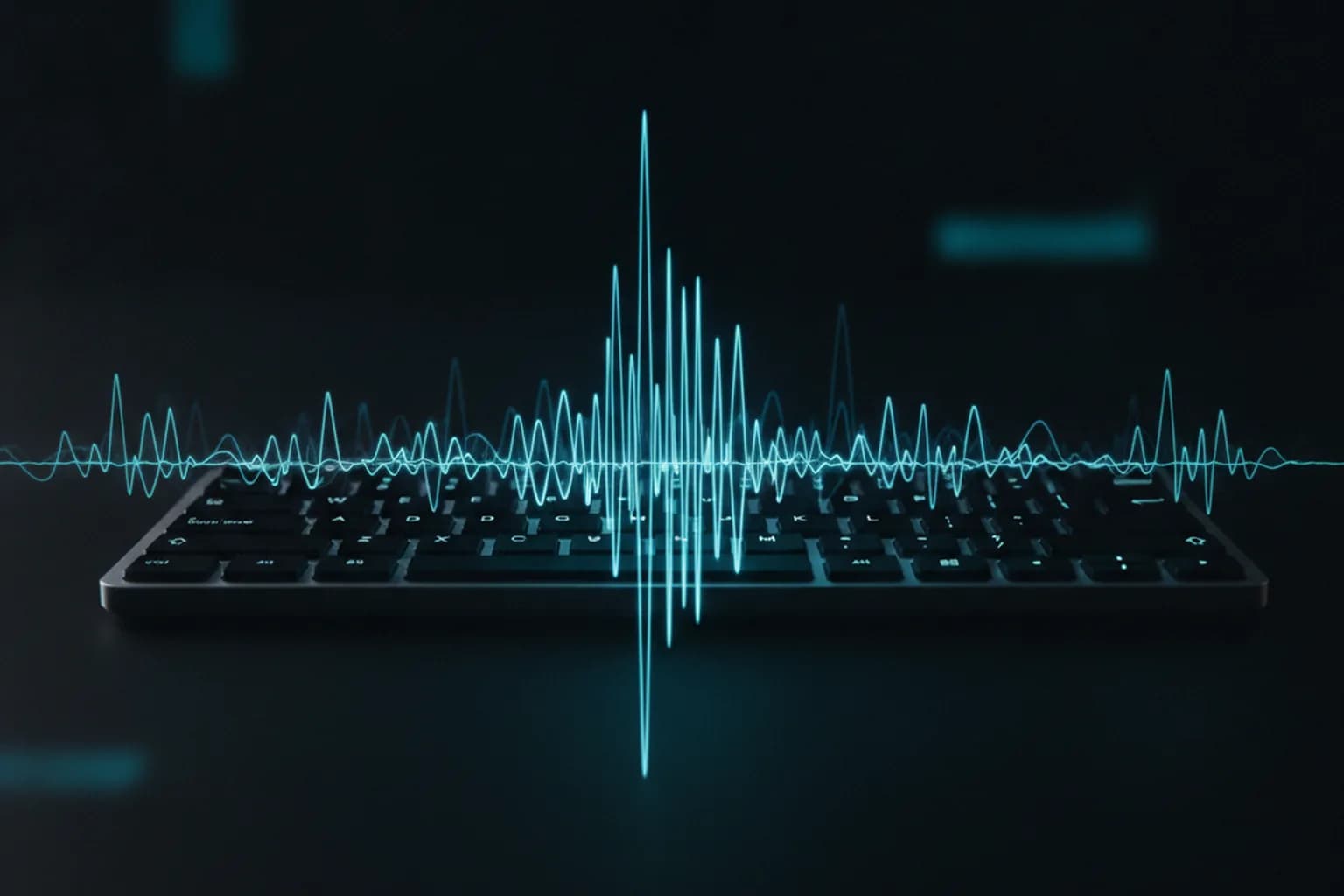
In short: In late July 2026 researchers from Japan's Tohoku and Kyoto universities and the Nara Institute of Science and Technology presented an acoustic side-channel attack that reconstructs text typed on a keyboard — passwords included — from the sound of keystrokes alone, with over 99% accuracy. Unlike earlier methods, it needs no prior training on your specific keyboard: a smartphone recording nearby and roughly 100–150 keystrokes are enough. The realistic defence is layered — a password manager, two-factor authentication and caution in public places.
What happened?
In a paper published in late July 2026, a team led by Atsunori Okada of Tohoku University, together with colleagues from Kyoto University and NAIST, demonstrated a new acoustic side-channel attack on keyboards. The idea itself is not new — the sound of each key differs slightly — but every previous version had a heavy limitation: attackers first had to record and label the specific target keyboard. The new method removes that step, which is exactly what makes it dangerous in the real world.
The practical takeaway is uncomfortable: an attacker no longer needs access to your device, only to its sound. Passwords are still the weakest link in most accounts, which is why a password manager that types credentials for you, rather than having you tap them out by hand, matters more than ever.
How does the attack work?
The method combines unsupervised audio analysis with AI language models. First the system isolates individual keystrokes from a raw recording and groups together sounds that resemble one another — no labelled training on the victim's keyboard required. Then a Transformer-based model and a separate large language model reconstruct the most probable sequence of characters, re-reading the text several times and correcting errors by comparing each sound against the surrounding words, much like autocorrect infers a word from context.
In the researchers' tests the approach reached over 99% reconstruction accuracy from just 100–150 observed keystrokes, using a smartphone placed near the target device. In other words, a phone left on a café table or a compromised laptop microphone could be enough to capture what you type.
Why is this dangerous for your data?
An attack that turns sound into text targets the most sensitive things you type: passwords, card numbers, private messages. Because the language model fills in gaps from context, even a partial recording can yield a usable result — and unlike a leaked database, you would never know your keystrokes had been captured. It joins a broader trend of credential theft feeding automated account takeover, which we covered in our report on the infostealer leak of billions of passwords.
Let us be honest about one limit: a VPN would not stop an acoustic attack, because the sound is captured before your data ever reaches the network. What a no-logs VPN protects is a different and very real layer — once credentials or session data travel over a network, especially open Wi-Fi, encryption keeps them from being intercepted in transit and hides your IP. Digital safety works in layers, none of which is a silver bullet on its own.
How to protect yourself?
Do not type critical passwords by hand. Let a password manager autofill long, unique passwords — there is no keystroke sound to capture, and the passwords are stronger anyway.
Turn on two-factor authentication. Even if a password is reconstructed, an authenticator app or hardware key stops an attacker from logging in with it alone. Prefer app-based or hardware 2FA over SMS.
Mind your surroundings. Be wary of phones or other devices left close to your keyboard in cafés, coworking spaces and airports, and enter sensitive data when no unknown microphone is within earshot.
Encrypt your connection on other people's networks. On open Wi-Fi a VPN routes your traffic through an encrypted tunnel so that credentials and sessions cannot be intercepted on the network, and it hides your real IP. LiMP VPN is a no-logs service for iOS and Android — see the features and plans, and more security guidance on our blog.
Sources
This report is based on the study on arXiv and coverage by SecurityLab (Positive Technologies) and CyberInsider (July 2026).