

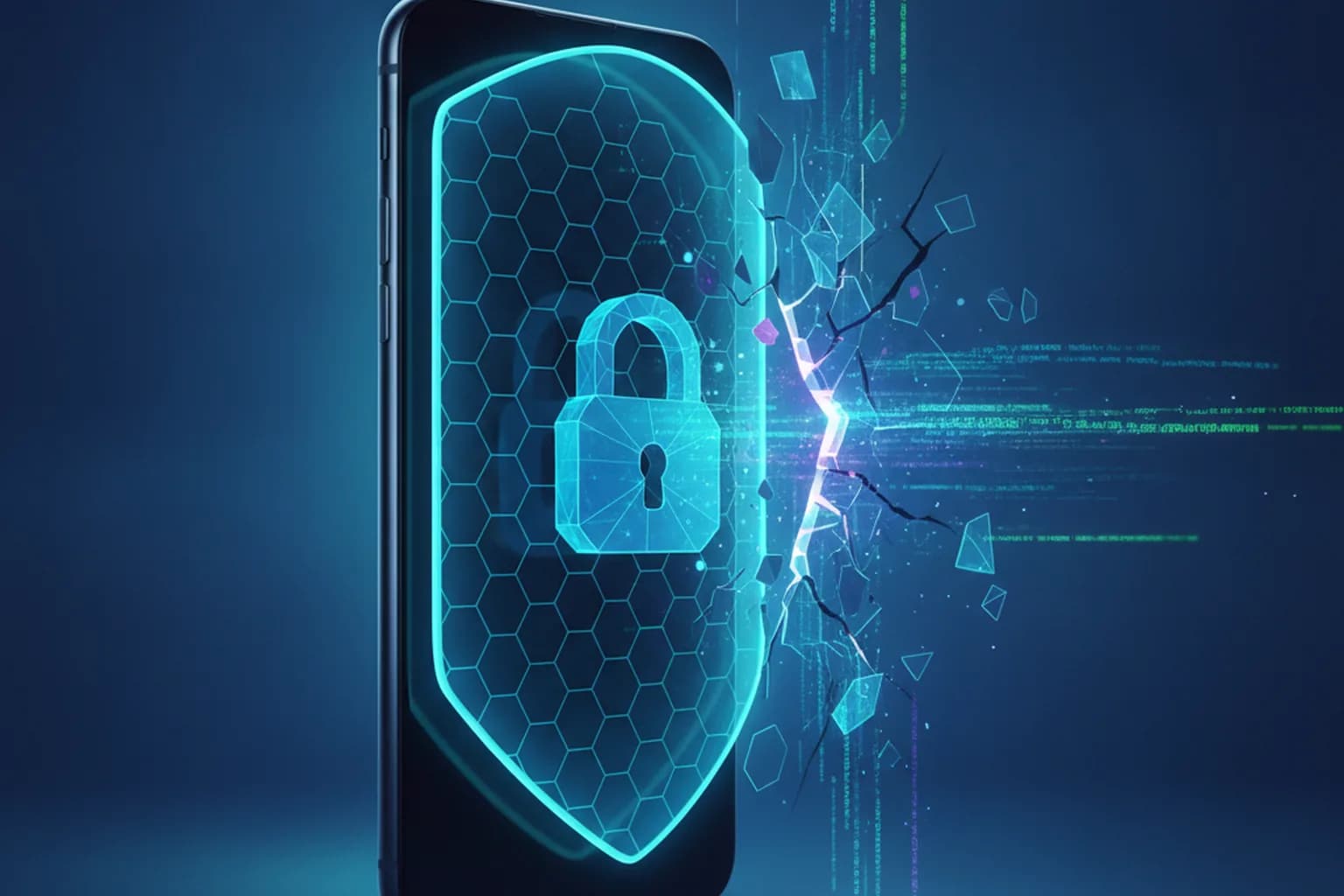
In short: On 27 July 2026 Apple released iOS 26.6 and iPadOS 26.6 for iPhone 11 and newer, closing 87 vulnerabilities. Some of them let a malicious app or image reach the system kernel and your data. Apple reports no active exploitation, but you should update right away. Here is what was fixed and how to protect your iPhone.
What happened
On 27 July 2026 Apple shipped the iOS 26.6 and iPadOS 26.6 security updates (along with macOS Tahoe 26.6) for iPhone 11 and later models and supported iPads. According to security outlets and Apple's own bulletin, the release fixes roughly 78 vulnerabilities assigned 87 CVE identifiers. Apple states there were no reports of active exploitation at the time of release — in other words, the patch shipped before attackers put the flaws to use. If you have not hardened your phone yet, start with our guide on setting up a VPN on iPhone.
Which vulnerabilities were fixed
Most of the fixes touch low-level components an app can abuse to break out of its permissions. The most notable ones:
- Kernel. A flaw in the AVEVideoEncoder component (a buffer overflow) let a malicious app execute code with kernel privileges — effectively full control of the device.
- MediaRemote. A bug that let an app escalate to root, bypassing the usual restrictions.
- Game Center. Improper handling of directory paths could let an app break out of its sandbox and reach other apps' data.
- ImageIO. An integer overflow while processing a specially crafted image could lead to code execution — dangerous because simply opening a booby-trapped picture is enough.
- WebKit and Wi-Fi. Fixes landed in the browser engine (web page handling) and the Wi-Fi module. One of the WebKit flaws was found with the help of AI.
The common thread: these components are invisible to the user, but they are exactly how a single malicious app, web page or image turns into data theft.
Why this is dangerous for your data
Many people treat the iPhone as untouchable, but it is not: kernel-level and sandbox-escape bugs are precisely what strips away iOS's built-in protection. If such a hole stays open, a malicious app disguised as an ordinary program can read your messages, files, auth tokens and other apps' data. The image and web-page scenarios are especially sneaky: the victim only has to open a received picture or visit a site — no extra action required.
There is a separate problem: data in transit. Even a fully patched iPhone on open Wi-Fi (a café, airport or hotel) is still exposed to network-level traffic interception — we covered this in detail in our report on data theft on public Wi-Fi. A system update closes holes in the device itself, but it does not encrypt your connection.
How to protect your iPhone
Update right now. Open Settings → General → Software Update and install iOS 26.6 (or iPadOS 26.6). Turn on automatic updates so you do not depend on a manual check.
Install apps only from the App Store. Most attack scenarios start with running a third-party app; the official store lowers the risk, though it does not remove it entirely.
Do not open attachments or links from untrusted sources. The ImageIO and WebKit flaws trigger through a picture or a page — healthy skepticism toward received files removes a big share of the risk.
Encrypt your traffic on other people's networks. On open Wi-Fi a VPN routes your connection through an encrypted tunnel so others on the same network cannot read your sessions and passwords, and it hides your real IP. See how it works in our guide on public Wi-Fi security. LiMP VPN is a no-logs service for iOS and Android — see the features and plans, and more security news on our blog.
Sources
This report is based on Apple's official security bulletin, coverage by AppleInsider and Cyber Security News, July 2026.