

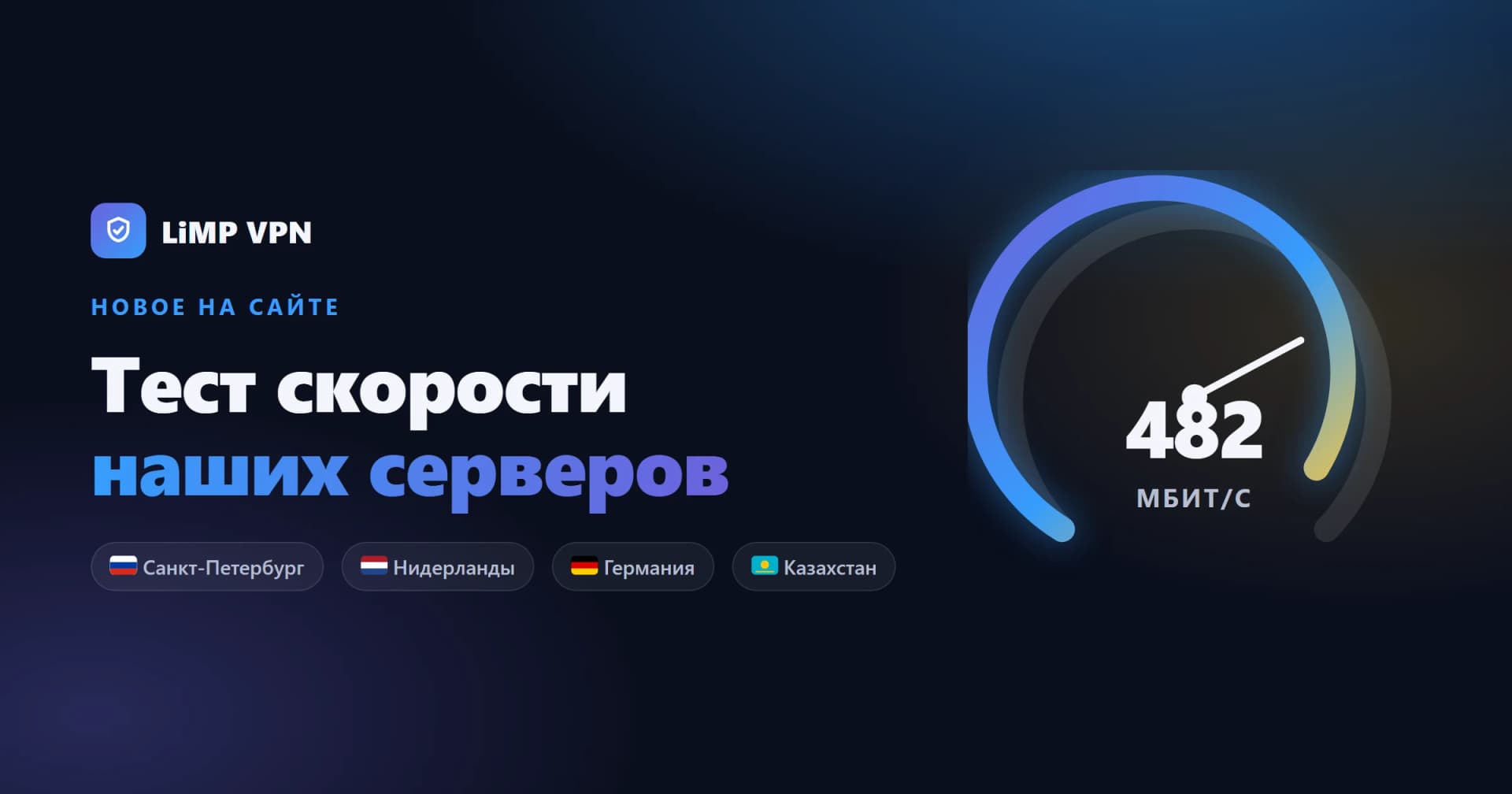
In short: We've launched a speed test on the site. Open it in any browser, pick one of our server locations, and in a few seconds you'll see the ping, jitter, download and upload speed between your device and that server — no app, no signup, and nothing is stored.
Why we built it
"How fast is your VPN?" is the question we get most, and the honest answer is "it depends on the distance to the server and your own connection." So instead of quoting a number, we made it measurable. Now you can check the real speed to each location yourself, before or after you subscribe, and choose the server that feels fastest from where you are.
What it measures
The test runs four checks in sequence. Ping is the round-trip latency to the server in milliseconds — lower is better for calls and gaming. Jitter is how much that latency varies. Download and upload are the throughput in megabits per second, measured by saturating the channel with several parallel streams and reporting the stable part of the window.
Pick a location
Along the top of the test you can switch between our server locations:
- Saint Petersburg — lowest latency for users in Russia.
- Netherlands and Germany — fast European routes.
- Kazakhstan — a nearby option for Central Asia.
Each measurement runs against that specific server, so the numbers reflect the real path from you to it. Naturally, a server closer to you will show a lower ping. The full list of locations lives on the servers page.
How to read the result
Download speed matters for streaming and downloads; upload for video calls and cloud backups; ping and jitter for how responsive everything feels. If one location is slow from where you are, try a nearer one — that is exactly what the picker is for.
One honest caveat: this test measures the direct path from your browser to the server, which is a reliable reference point but not identical to speed through the encrypted VPN tunnel. Real tunnel throughput also depends on your ISP, device and the current network load. Consider the result a strong indicator of what each location can deliver.
Try it now
No installation required — just open the speed test, choose a location and press Start. Nothing about the measurement is logged or tied to you, in line with our no-logs policy.