

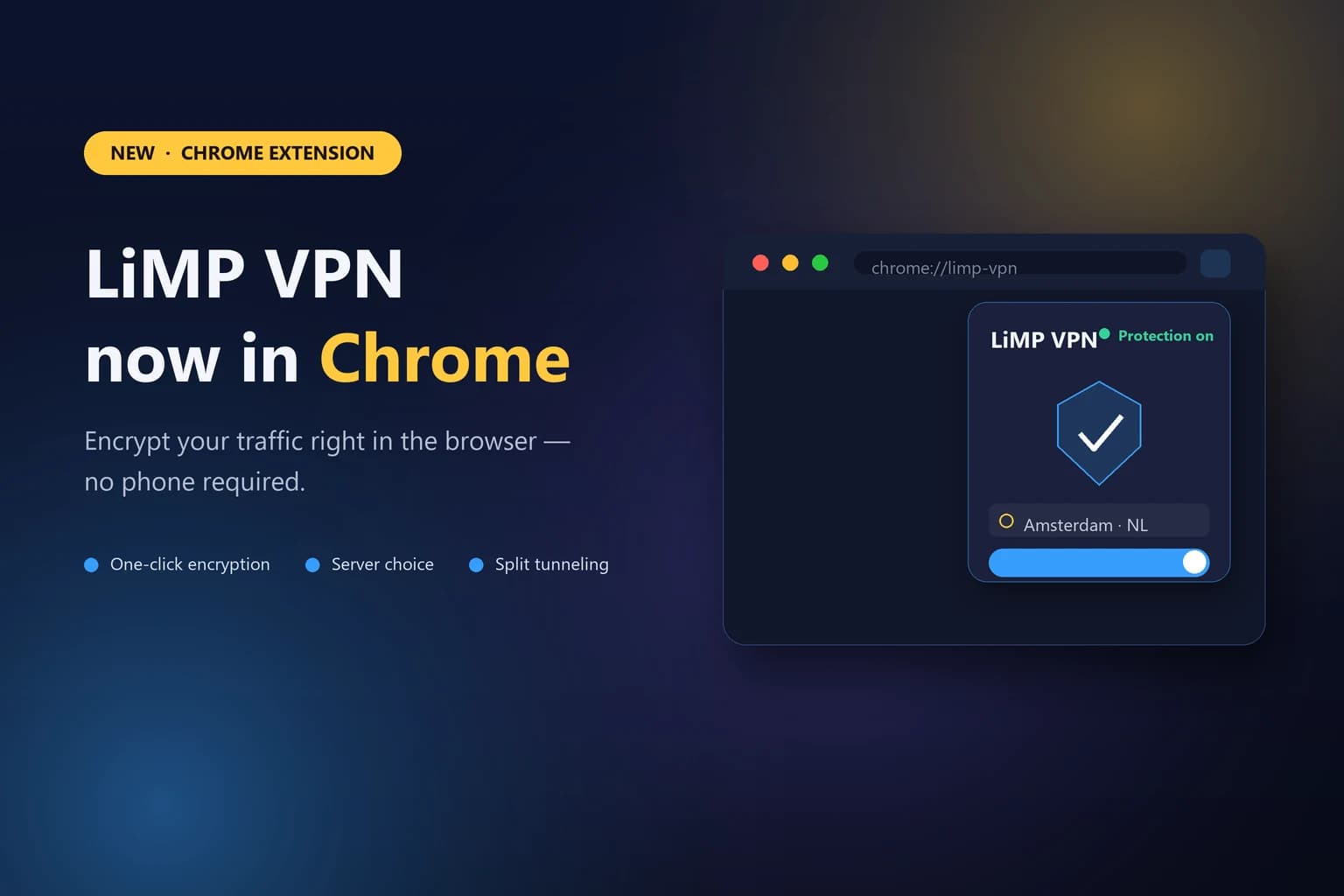
In short: LiMP VPN now has a Google Chrome extension, so you no longer need a phone to protect your connection on a computer. The extension encrypts your browser traffic, lets you choose a server and set up split tunneling by domain. It installs in about two minutes and works on Chrome 120 and newer — with the same account and no speed limits.
What we launched
Until now LiMP VPN lived on iOS and Android. From today it also runs in the browser: a lightweight Chrome extension brings the same protection to your desktop. Turn it on in one click, and your browser traffic goes through an encrypted tunnel — the network you are on, and anyone else on it, sees only an opaque connection instead of the sites you visit.
The extension uses the same infrastructure as our mobile apps and the same no-logs policy: the tunnel protects you on the network, and we deliberately do not keep a record of your activity to hand over later.
What it can do
One-click encryption. A single toggle protects your browser traffic on any network — including the untrusted Wi-Fi in a café, airport or hotel.
Server choice. Pick a location to change the region your browser appears to connect from, which helps with region-locked services and restrictive local networks. See what is available on our server locations page.
Split tunneling by domain. Send some sites through the VPN and keep others on your direct connection — useful for a banking site that distrusts foreign IPs, or a local service you want to reach normally.
The full feature set is on the features page.
How to install it
The extension ships as a ZIP archive that you load into Chrome manually — the whole process takes about two minutes and is spelled out step by step on the Chrome extension page. In short: download the archive, unzip it, open chrome://extensions, turn on Developer mode, and load the unpacked folder. After that the LiMP VPN icon sits in your toolbar, ready whenever you need it.
Why a browser VPN is worth it
A lot of everyday risk lives in the browser: logins on public Wi-Fi, tracking by your provider, and services that behave differently depending on where you appear to be. A browser extension puts protection exactly where that activity happens, without asking you to reach for another device. It complements the mobile apps rather than replacing them — protect your phone on the go, and your computer while you work.
The Chrome extension is available now. Install it here and turn on protection on your desktop today.