

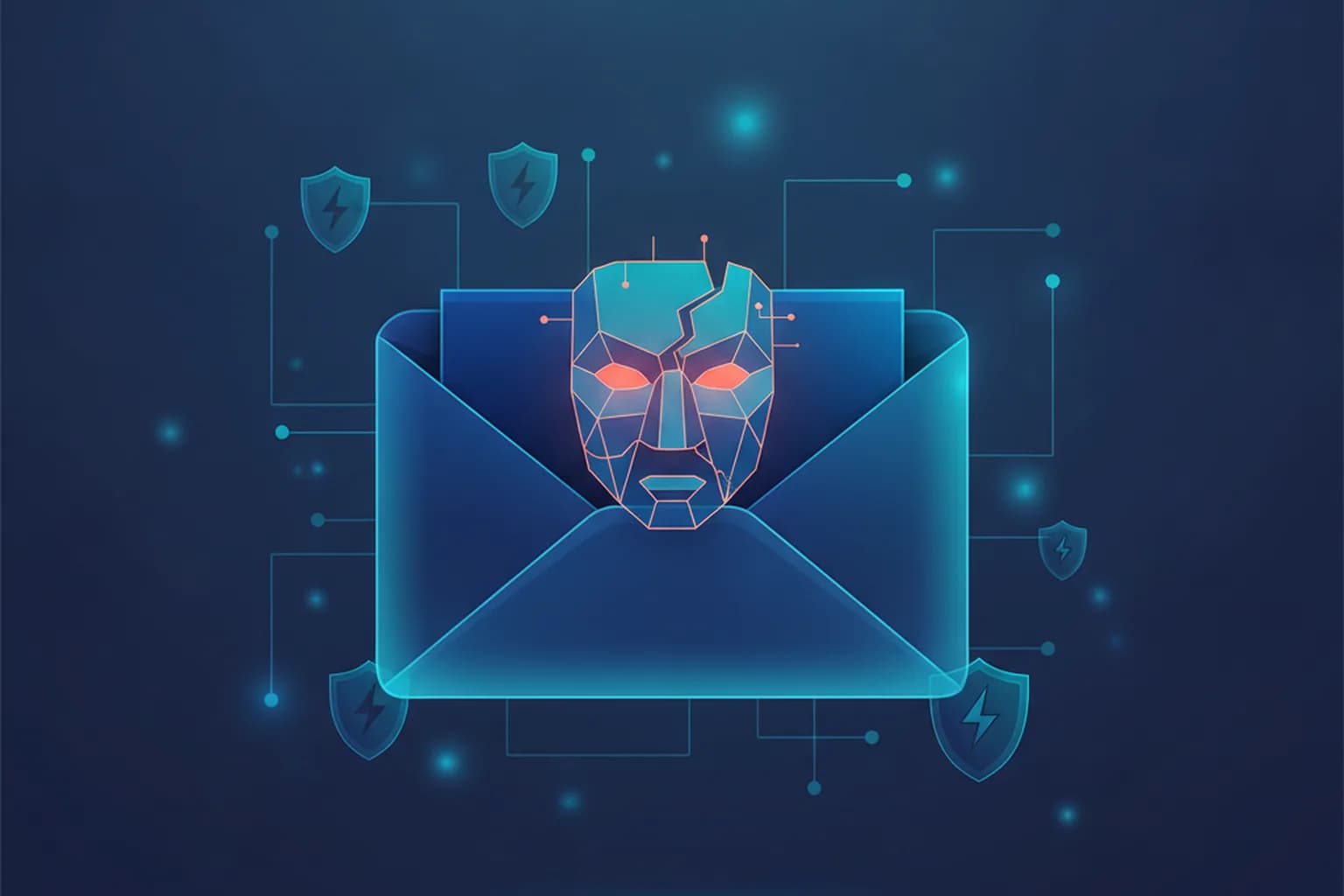
In short: On 14 July 2026 BI.ZONE Threat Intelligence reported that a new platform is being advertised on the darknet for mass phishing. It uses spoofing to put the genuine address of a large organisation in the "From" field and automatically pulls the company's images to make the message look authentic. Experts warn that even careful users cannot reliably tell such emails from real ones by eye — so your defence has to move from "spot the fake" to "never act on a link in an email."
What happened
On 14 July 2026, BI.ZONE Threat Intelligence said its analysts had found an advertisement on the darknet for a ready-made platform that lets criminals send phishing emails showing the real address of a large company in the sender line. Oleg Skulkin, who heads BI.ZONE Threat Intelligence, told reporters that the tool relies on spoofing and on automatic parsing of a brand's images, so the messages look like genuine corporate correspondence and can slip past some standard mail checks. The key takeaway is uncomfortable: "even very vigilant users will not be able to tell these emails from real ones" on their own. Reviewing your inbox hygiene — see our guide on how to protect your email from hacking — matters more than ever.
How address spoofing works and why the emails are hard to spot
The "From" line you see in an email is not proof of who sent it. The classic SMTP protocol lets a sender write almost any address in that field, the way anyone can write any return address on a paper envelope. Modern anti-spoofing standards — SPF, DKIM and DMARC — exist to catch this, but they only work when the receiving side checks them strictly and the impersonated domain is configured correctly. Many organisations still have gaps, and that is the gap such a platform sells access to.
What makes this offering dangerous is packaging. It is not a lone hacker crafting one message; it is an automated service that scrapes a company's real logos and images and assembles convincing letters at scale. That mirrors a wider 2026 trend: in early July Kaspersky described a spear-phishing wave against manufacturers where attackers posed as customers and led victims to fake login pages. As their analysts put it, such attacks "are dangerous precisely because of how normal they look" — an ordinary work request, an ordinary file link, an ordinary login form.
Why this is dangerous for your data
An email that truly appears to come from your bank, employer or a service you use lowers your guard at exactly the wrong moment. One click on a login link in such a message can hand over your password on a fake page, and from there attackers move to account takeover, payment fraud or further phishing of your contacts. If the criminals already hold leaked details about you — as in our report on the billion-record infostealer leak — they can personalise the message and make it even more believable.
The broader point is that trust in the sender field is no longer a safe signal. Treating every unexpected email that asks you to log in, pay or "confirm" something as potentially forged is now the baseline, not paranoia.
How to protect yourself
Never log in from a link in an email. If a message asks you to sign in, pay or confirm data, open the service yourself in the browser or app and check there. This single habit defeats most address-spoofing attacks. Our guide on protecting accounts from hijacking covers the warning signs.
Turn on phishing-resistant two-factor authentication. Methods like passkeys or an authenticator app mean a password entered on a fake page is not enough to take over your account.
Verify through a second channel. If a "company" emails you with something urgent, confirm it via the official app, website or a known phone number — not by replying to the email or calling a number it provides.
Encrypt your connection on untrusted networks. A VPN cannot stop a forged email from reaching your inbox, but on public or shared Wi-Fi it routes your traffic through an encrypted tunnel, so attackers on the same network cannot intercept the credentials and sessions that phishing aims to steal. LiMP VPN is a no-logs service for iOS and Android — see the features and plans, and more privacy news on our blog.
Sources
This report is based on reporting by RIA Novosti and Mail.ru News citing BI.ZONE Threat Intelligence, and on Kaspersky analysis of the wider targeted-phishing trend, July 2026.