

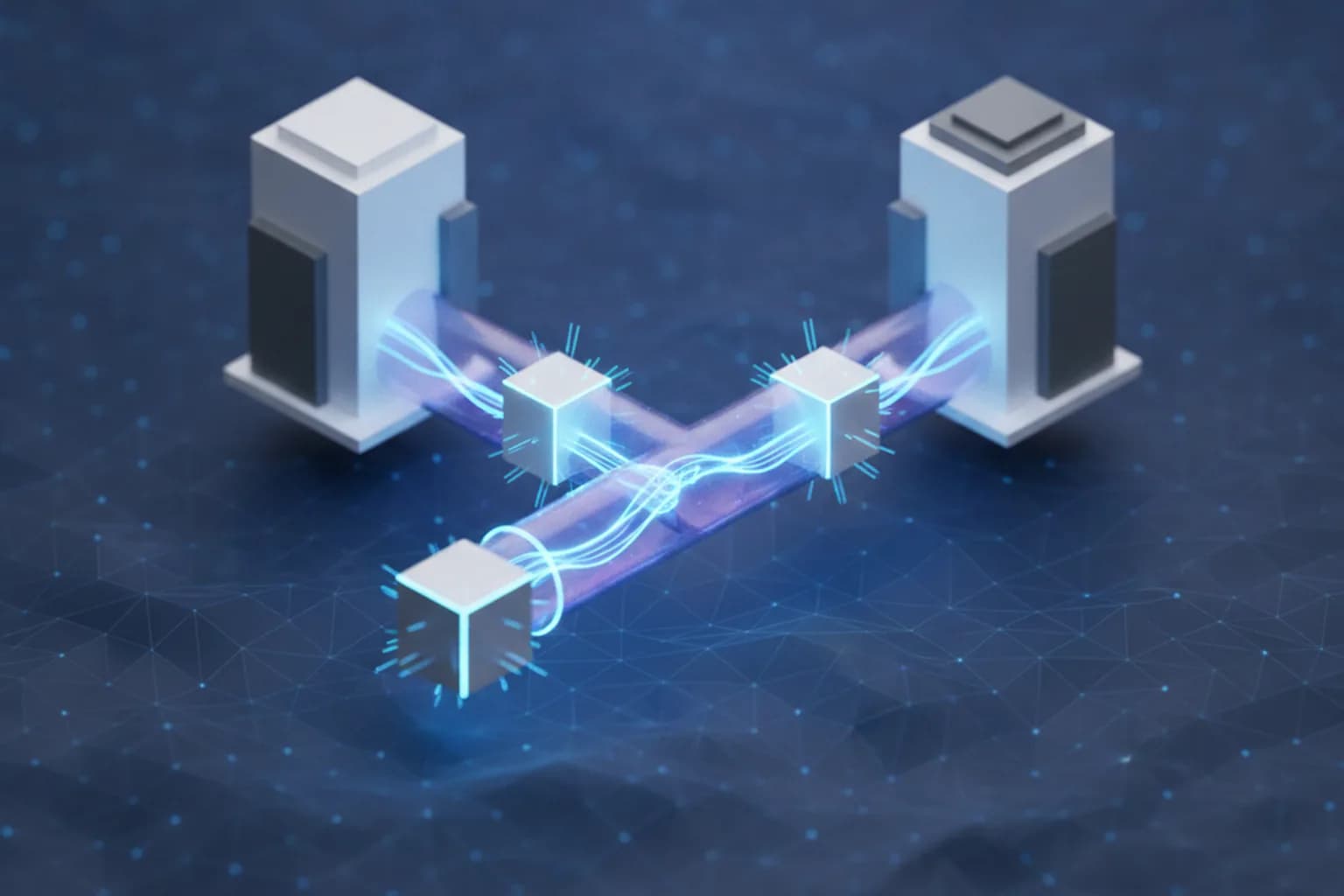
In short: A site-to-site VPN is a secure tunnel between two networks (for example, a company's offices) that links them over the internet as if they were on one local network. The tunnel is held up not by apps on devices but by gateways (routers or firewalls) on each side, which encrypt and decrypt the traffic. Unlike a VPN on your phone, where a single device is protected, a site-to-site VPN connects whole networks and needs no client on each computer.
What is a site-to-site VPN in plain terms?
A site-to-site VPN is a permanent encrypted connection between two local networks that merges them into a single protected space on top of the ordinary internet. The classic example is a head office and a branch: staff at both sites work with shared servers, drives, and internal services as if they sat in one building, even when thousands of kilometers apart.
The key difference from a familiar VPN is that there is no app on each device. Two gateways — one per site — do all the work. Computers and phones inside the network don't even know their traffic goes through a VPN: they simply reach resources on the neighboring network by local addresses. If you're still getting the basics, start with the article on how a VPN works, then come back to the corporate scenario in the piece on VPN for business.
How does a site-to-site VPN work?
A site-to-site VPN works through two gateways that establish an encrypted tunnel with each other and pass traffic between the networks through it. The gateway is a router, a firewall, or a dedicated device — a VPN concentrator. When a computer on one network reaches a resource on the other, the following happens:
- The data packet reaches the local gateway as ordinary traffic.
- The gateway encapsulates the packet and encrypts it.
- The encrypted data travels over the internet to the second gateway through the established tunnel.
- The second gateway decrypts the packet and forwards it to the recipient on its network.
To an outside observer — an ISP or an attacker on an intermediate network — only a stream of ciphertext between two public addresses is visible, not its content. Most often such a tunnel is built on the IPsec protocol suite, which first negotiates the protection parameters and then encrypts the traffic itself.
IPsec, IKE, and the two connection phases
Most site-to-site VPNs are based on the IPsec protocol suite, and the tunnel comes up in two stages. In the first — IKE (Internet Key Exchange) — the gateways authenticate each other with a shared key or a certificate and create a protected control channel. In the second phase they negotiate keys and encryption algorithms for the working traffic and bring up the main tunnel. This split improves security: real data is transmitted only after both sides have reliably confirmed that a trusted gateway is at the other end.
Site-to-site VPN vs remote-access VPN: what's the difference?
The main difference is that a site-to-site VPN connects entire networks, while a remote-access VPN connects an individual user to a network. In corporate practice the two types often work together but solve different tasks.
| Aspect | Site-to-site VPN | Remote-access VPN |
|---|---|---|
| What it links | Two or more networks (offices, data center, cloud) | A single device to a network |
| Where the client is | No client needed, gateways hold the tunnel | A VPN app on the user's device |
| Who authenticates | Gateways to each other | Each user individually |
| Typical scenario | Linking branches, cloud access | A remote or traveling employee |
| Persistence | Usually always on | Brought up on demand |
Put simply, remote-access is for a person who wants to reach the work network from a laptop, while site-to-site is for a company that needs two sites to see each other permanently. How the first option is built is covered in detail in the article on VPN for remote work.
What types of site-to-site VPN are there?
Site-to-site VPNs are distinguished on two grounds: whom they connect and how they route traffic. By purpose there are two kinds:
- Intranet VPN — links the networks of one company: head office, branches, warehouses. All sites belong to a single organization and fully trust one another.
- Extranet VPN — connects networks of different organizations, for example a company and a contractor or supplier. Access here is usually limited to the needed resources rather than the whole network.
By the way the tunnel is built there are two approaches:
- Policy-based — traffic enters the tunnel by predefined rules (which subnets link to which). Simpler for small setups.
- Route-based — the tunnel is a virtual network interface, and traffic is directed into it by ordinary routing. More flexible when there are many networks.
Which protocols are used in a site-to-site VPN?
The main protocol of a site-to-site VPN is IPsec, but other technologies are used depending on the hardware and the task:
- IPsec (with IKEv2) — the de facto standard for gateway-to-gateway tunnels: widely supported by routers and firewalls, providing encryption and integrity checks.
- GRE over IPsec — GRE helps carry different traffic types and routes, while IPsec adds encryption on top.
- WireGuard — a modern lightweight protocol increasingly used to link sites too, thanks to its speed and simple setup.
- MPLS — not a VPN in the usual sense but a carrier technology for joining offices within the provider's network; large businesses choose it as an alternative to internet tunnels.
How the encryption protocols themselves differ and why WireGuard is often faster is covered in the comparison of WireGuard, OpenVPN, and IKEv2.
When does a business need a site-to-site VPN?
A site-to-site VPN is needed when two or more of a company's sites require a permanent, secure exchange of data. Typical scenarios:
- A branch network. The head office and units work with shared databases, file storage, and IP telephony.
- Cloud access. The office is linked to infrastructure in the cloud or a data center so servers are reachable as if local.
- A backup channel. A second tunnel between sites insures the main link.
- Working with contractors. An extranet tunnel gives a partner limited access to the needed services without exposure to the open internet.
For a single remote employee, deploying site-to-site is overkill — a remote-access client is enough. But once there are two or more offices, a gateway-to-gateway tunnel proves more reliable and cheaper than configuring a VPN on every device.
How does a site-to-site VPN differ from a VPN on your phone?
A consumer VPN on your phone and a site-to-site VPN solve different tasks, even though both rest on the same idea — an encrypted tunnel. A VPN app on a smartphone protects the traffic of one device: it hides it from the owner of a public Wi-Fi, encrypts data on open networks, and changes the visible IP address. A site-to-site VPN is not installed on a user's device at all — it lives on network equipment and links whole networks.
So to protect a personal phone or laptop on the road, in a cafe, or at home, you need a client VPN, not a corporate tunnel. LiMP VPN is a data-protection service for iOS and Android (billed by the Russian legal entity LLC LiMP): it encrypts a device's traffic and keeps no connection logs. You can see its capabilities in the features section, and the plans on the LiMP VPN pricing page.
Pros and cons of a site-to-site VPN
A site-to-site VPN gives a business secure connectivity between sites at a reasonable cost, but it requires careful hardware setup. Briefly, the strengths and weaknesses.
Pros:
- No client needed on each device — gateways hold the tunnel.
- Transparency for users: resources on the neighboring network are reachable as local ones.
- Encryption of all traffic between sites.
- Cheaper than dedicated links and easy to scale to new offices.
Cons:
- Requires configured gateways and static (or predictable) public addresses.
- Setup and support fall to an IT specialist — mistakes in parameters break the tunnel.
- It protects the channel between networks but not the individual devices inside them — their security must be handled separately.
How to set up a site-to-site VPN: the main steps
Setting up a site-to-site VPN comes down to matching parameters on both gateways so they can bring up a shared tunnel. The general sequence is:
- Prepare the gateways. Make sure both sites have a router or firewall with IPsec support and known public IP addresses.
- Plan the addressing. The offices' local subnets must not overlap, or routing between them won't work.
- Set the IKE parameters (phase 1). Choose the authentication method (shared key or certificate) and the encryption and hashing algorithms — identical on both gateways.
- Configure the tunnel parameters (phase 2). Specify which subnets are linked and agree on the algorithms for the working traffic.
- Bring up and test the tunnel. Initiate the connection and confirm that devices on one network can see resources on the other (for example, with ping).
- Set up monitoring. Enable alerts on a tunnel drop and, if needed, a backup channel.
The exact menu items differ by vendor, but the logic is the same everywhere: the phase 1 and phase 2 parameters must match on both sides.
Frequently asked questions about site-to-site VPN
What is a site-to-site VPN in plain terms?
It is a secure tunnel between two networks that merges them over the internet into a single space. The connection is held by gateways (routers or firewalls) on each side, and devices inside the networks need no VPN client — they reach resources on the neighboring network as if local.
How does a site-to-site VPN differ from a remote-access VPN?
A site-to-site VPN connects entire networks and runs on gateways with no client on devices, while remote-access connects a single user to a network through an app on their device. The first is for linking offices, the second for an individual employee's access to the work network.
Which protocol is used in a site-to-site VPN?
Most often IPsec with IKEv2 key exchange, which is widely supported by network hardware. GRE over IPsec and the modern WireGuard are also used, and large businesses use the carrier technology MPLS.
Do you need a site-to-site VPN if you have few employees?
If you have one office and employees connect remotely one by one, a remote-access VPN is enough. Site-to-site is justified when a company has two or more sites that need a permanent, secure exchange of data.
Does a site-to-site VPN protect my personal phone?
No. Site-to-site links networks and lives on network equipment, not on a device. To protect a personal phone or laptop you need a client VPN installed on the device itself.