

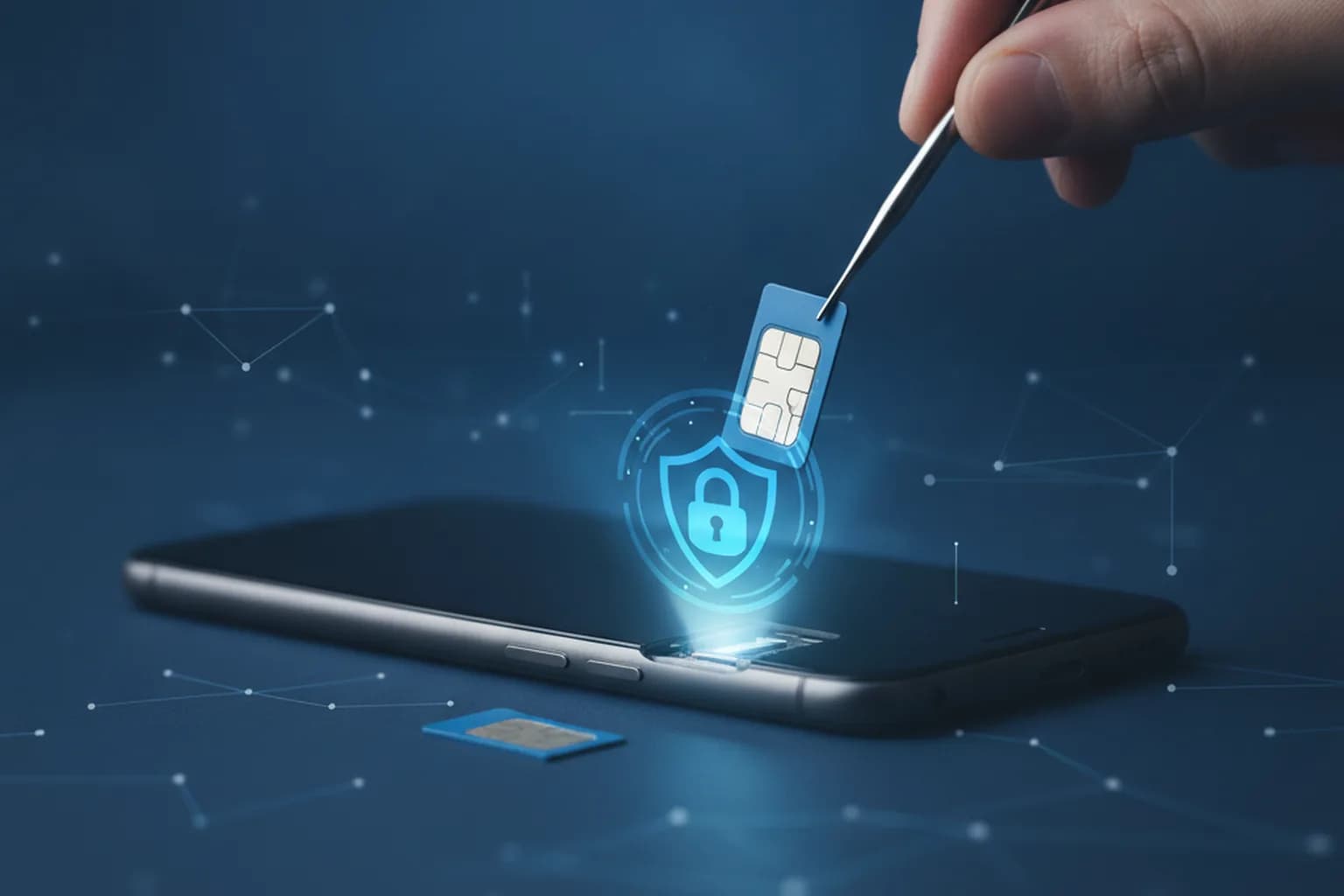
In short: A SIM swap attack is when a fraudster ports your phone number onto a SIM they control in order to intercept your calls, texts, and one-time verification codes. Once they hold the number, they reset passwords and log into your bank, email, and messengers as you. The key warning sign is your phone suddenly losing signal for no reason. Protection rests on three moves: switch from SMS codes to an authenticator app or hardware key, ask your carrier to block remote SIM re-issue, and check which numbers are registered to your ID.
What a SIM swap attack is
A SIM swap (also called SIM swapping or a port-out scam) is a type of fraud where an attacker gets your mobile number transferred onto a SIM card in their possession. To the carrier it looks like a routine re-issue: the customer "lost" their card and asks for a new one with the same number. The moment the new SIM activates, yours goes dead and every incoming call and message flows to the attacker.
The danger is that a phone number has quietly become a universal key. Banking apps, email, messengers, and marketplaces are all tied to it, and most services still send verification codes and password-reset links over SMS. By intercepting those messages, an attacker bypasses your defenses without ever knowing your passwords: they simply hit "Forgot password?" and receive the code on "your" number.
It is important to separate a SIM swap from a stolen or malware-infected phone. Here the device stays in your hands and looks perfectly fine — what gets hijacked is the link between your number and the hardware, not the handset itself. That is exactly why the attack is so often noticed too late.
How scammers hijack your number
There is no single script, but it almost always starts with gathering information about the victim. The more they know about you, the more convincing the attacker sounds when talking to carrier support.
Social engineering and forged documents
The classic method is to call or walk into a store posing as the account holder. The scammer collects your name, date of birth, ID details, and recent activity in advance — from leaked databases, social media, and phishing forms. Armed with that, they convince a staff member they "lost their phone on vacation" and urgently need a new SIM. Sometimes forged or stolen documents are used.
An insider at the carrier
A separate class of attacks relies on a bribed or planted store employee who processes the re-issue while skipping the checks. No password of yours defends against this — only carrier-side settings such as a block on remote re-issue can.
Phishing to trigger the port
Sometimes the victim is lured in advance to a fake "carrier" or account page and asked to enter an SMS code, supposedly to confirm identity. In reality that code is what authorizes the number transfer. So the basic rule: a code from an SMS is a password — never read it out to anyone and never enter it anywhere but the official app.
Why your number is the key to everything
The root of the problem is the habit of using SMS as a second login factor. SMS two-factor authentication was meant as an extra layer, but it has a weak spot: it trusts your number, not you. Let the number land on someone else's SIM, and the "second factor" turns against you.
The takeover chain usually goes like this. First the attacker gains control of the number. Then, through password recovery, they get into your email — and email is often the reset point for everything else. Next come banking apps, crypto wallets, marketplace and social accounts. Each service falls faster than the last, because the confirmation codes arrive on the already-hijacked number.
The lesson worth remembering: reduce your accounts' dependence on your phone number ahead of time, not in the middle of an attack. How to build layered login protection is covered in detail in our guide on how to protect your account from hacking.
Signs your SIM has been swapped
The attack almost always leaves visible traces — if you know what to watch for. These signals should put you on alert:
- Your phone abruptly loses signal. Mobile service drops, calls and texts fail, even though you are in coverage and the device is fine.
- Notifications about service changes. Messages about a SIM re-issue, plan change, or number transfer that you never requested.
- Unexpected login alerts. Sign-in notices for your email, bank, or social accounts from unfamiliar devices and other cities.
- Expected codes never arrive. You request a verification code, but the SMS never comes — because it is going to someone else's SIM.
- Charges and loan applications. Unfamiliar card transactions or alerts about an attempt to open credit.
If your phone loses signal for no clear reason and a restart does not fix it, do not wait — call your carrier from another number and freeze the SIM. In situations like this, every minute counts.
Login methods and how they hold up
Not all second factors resist a SIM swap equally. The difference between them decides how easily your accounts fall along with the number.
| Login / 2FA method | Resistance to SIM swap | Comment |
|---|---|---|
| Password only | Low | A password is exposed to leaks and guessing even without a SIM swap. |
| SMS code | Low | This is the exact channel the attacker intercepts once they hold your number. |
| Code via voice call | Low | Also tied to the number — it follows the SIM. |
| Authenticator app (TOTP) | High | Codes are generated in the app and do not depend on the SIM. |
| Push approval in the bank app | High | Bound to the device, not the number (as long as login cannot be reset by SMS). |
| Hardware key (FIDO2 / passkey) | Very high | A physical key cannot be intercepted remotely. |
Wherever a service lets you choose the second factor, favor an authenticator app or hardware key, and keep SMS only where there is no alternative. We covered modern passwordless sign-in with keys separately — start with our piece on how to protect your email from hacking, since email is most often the first target after a number takeover.
How to protect your number: a checklist
You cannot rule out the risk entirely, but you can cut it dramatically. Work through the list — most items take a single evening to set up:
- Remove SMS codes where you can. Move email, banking, and key accounts to an authenticator app (TOTP) or a hardware key instead of SMS.
- Block remote SIM re-issue. Many carriers let you forbid re-issuing or porting the number without an in-person visit with ID — turn that option on.
- Keep a separate "secret" number for banks. A number that never appears in social media, listings, or forms is harder to tie to your identity.
- Audit the numbers registered to your ID. Use your carrier or national service to see which numbers are in your name and cancel any you do not recognize.
- Set a passphrase with your carrier. An extra secret asked for during any operation on your number in support.
- Do not publish your number publicly. The fewer services and listings that know it, the less material a scammer has for a convincing support call.
- Minimize your digital footprint. Regularly check whether your data has leaked and remove stale links — we walk through how to check if your data was leaked step by step.
- Turn on alerts for every login. An instant email about a sign-in from a new device buys you time to react.
What to do if your SIM is already swapped
If the signs match and you suspect a swap, act in order and act fast:
- Call your carrier from another phone and freeze the number; ask them to reverse the unauthorized re-issue.
- Log into your bank and freeze cards and transfers; warn the bank about possible fraud involving your number.
- Change passwords on email and key services, starting with the mailbox — it unlocks the rest.
- Disable SMS as a recovery method wherever you still can and switch to an authenticator.
- Review login history and active sessions, and end any you do not recognize.
- Document the damage and file a report with the police and your carrier — you will need it to dispute transactions.
Once the acute phase is over, revisit account security as a whole: how to build safe access to your money is laid out in our guide on secure online banking.
Where VPN and privacy fit in
Let us be honest: a VPN does not stop a SIM swap directly — this is an attack at the carrier level, not on your internet connection. No service should promise you otherwise. But a VPN does have a concrete role in the bigger picture of protecting your number and accounts.
First, a SIM swap almost always begins with gathering data on the victim — and some of that data leaks precisely over unprotected connections. When you log into email or banking from a cafe, airport, or hotel, an open Wi-Fi network makes it possible to intercept traffic. The encrypted LiMP VPN tunnel closes that gap: even on someone else's network, your sessions and login data stay unreadable to outsiders. For more on the risks of open hotspots, see our article on stopping phone tracking.
Second, a VPN hides your real IP address and makes it harder to build the digital profile scammers use to pick targets and tailor an attack. The less of your data is out in the open, the less material there is for a convincing call to carrier support.
A VPN is one layer of defense in depth, not a replacement for an authenticator app or a SIM re-issue block. They work together. If you want to cover the baseline — encrypting traffic across all your devices — take a look at LiMP VPN pricing: a single subscription protects your phone and tablet alike.
Frequently asked questions
Can a scammer swap my SIM if I have a PIN on the card?
Yes. A SIM PIN protects the physical card in your phone from being used in another device, but it does not stop the carrier from issuing a new SIM with the same number. What defends against a re-issue is not the PIN but a remote-issue block and a passphrase with your carrier.
Is eSIM safer than a physical SIM here?
The eSIM format alone does not make you invulnerable: moving the number to a new profile is the same re-issue procedure at the carrier, and it can be tricked too. But an eSIM cannot be quietly pulled from a lost phone, and the profile is protected by the device password — a plus for overall hygiene.
I received a verification code I never requested. Is that dangerous?
It is a warning sign: someone is trying to log into your account or trigger an operation on your number. Do not share the code with anyone and do not enter it on third-party sites. Check recent logins and, if possible, replace SMS confirmation with an authenticator.
Why do banks still send codes over SMS if it is insecure?
SMS works on any phone without installing apps, so it stays a mass-market channel — a compromise between convenience and security. Wherever a bank offers push approval in its app or biometric sign-in, choose those over SMS.
Does changing my number after an attack help?
Changing the number cuts off the scammer's control, but it does not by itself restore hijacked accounts — those are recovered through support and by changing the login method. Far more important is unlinking critical services from SMS, or the new number will end up in the same databases over time.
How can I tell my data for such an attack has already leaked?
A tell-tale sign is a rise in spam, "bank" calls, and emails with login attempts. Regularly check your email address and number in leak-checking services and turn on login alerts across important accounts to catch someone else's activity early.