

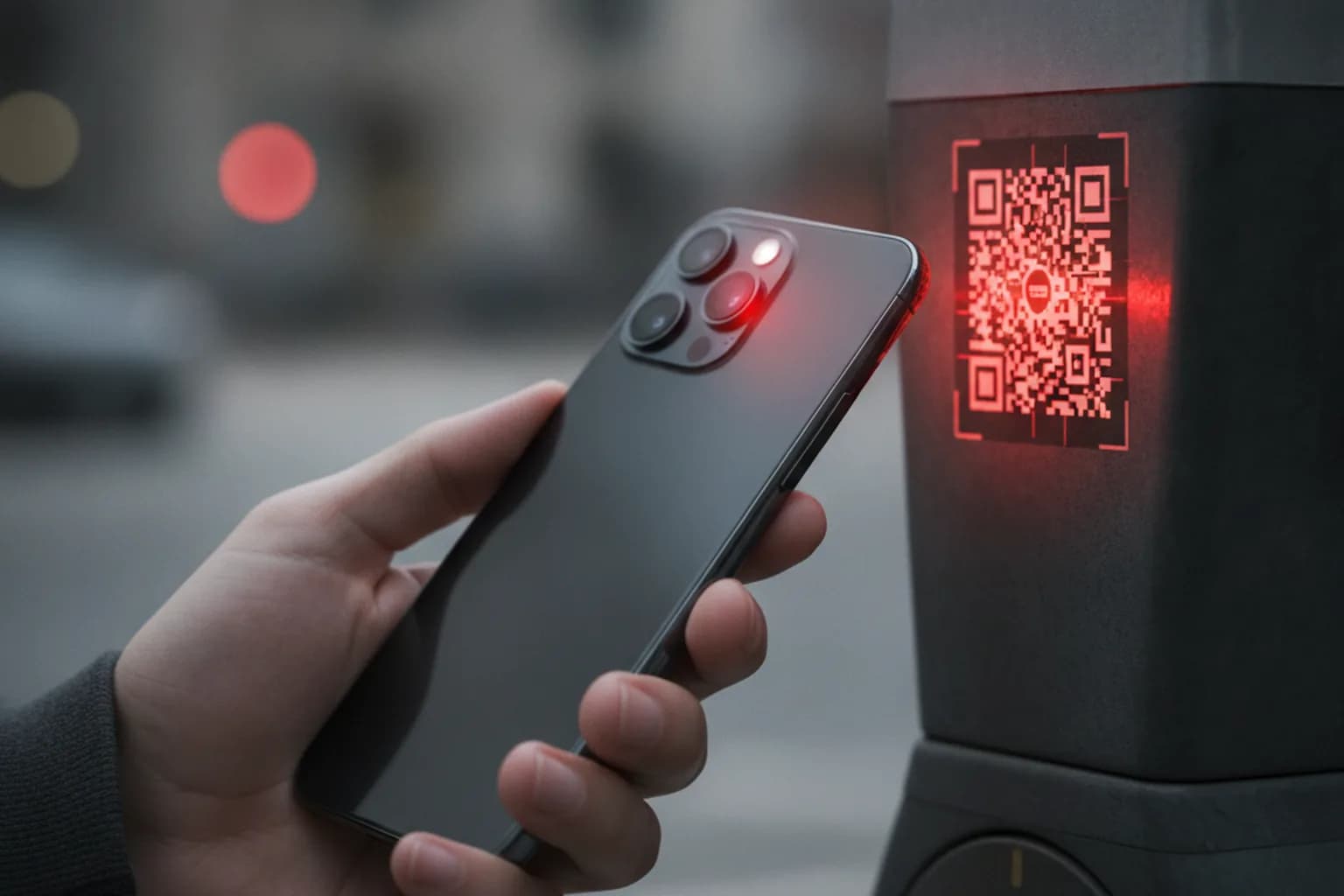
In short: Quishing is phishing through fake QR codes: a scammer plants a code that leads to a lookalike site and tricks you into handing over card details, a password, or a one-time SMS code. The danger isn't the scan itself — it's what happens after you follow the link. Solid protection is a set of habits: inspect the physical code and the site address, pay only through official apps, keep two-factor authentication on, and use a VPN with filtering on public Wi-Fi. Below: how the attack works, where fake codes turn up most, and what to do if you've already scanned and entered your data.
What quishing is and why it's dangerous
The word "quishing" blends "QR code" and "phishing." Classic phishing arrives as a link in an email or message, and most of us have learned to treat those links with suspicion. A QR code slips past that instinct: you don't see the address in advance, you point the camera, and you follow wherever it sends you almost automatically. That blind spot is exactly what makes fake codes such a convenient tool for fraud.
Another reason for the surge: QR codes are everywhere in 2026 — restaurant menus, checkout payments, parking meters, deliveries, ads, donations. We're used to trusting them, and all a scammer needs is to stick their own label over a real code or hand out a fake flyer. Security researchers report a multi-fold rise in quishing over the past two years, with specific warnings for tourist areas and airports, where people are rushing and let their guard down.
It's worth being precise: scanning a code is usually just opening a link. Your phone doesn't get "infected" the moment the camera sees it. The harm starts at the next step — you land on a clone of your bank, a store, or a payment page, and you type in exactly what the criminal wants with your own hands. So quishing is first and foremost an attack on attention, not on technology.
How the attack works: from QR to stolen data
The scenario is almost always the same, and it runs through a few links. Understanding the chain helps you break it at any stage.
- The bait. The scammer places a code where people scan without thinking: a parking meter, a menu, a fake "ticket" under a wiper, a delivery notice.
- The redirect. The code leads to a shortened or lookalike address (say, with an extra letter or a different top-level domain), often through a chain of redirects to hide the final site.
- The clone page. A copy of a familiar site opens — a bank, a store, a courier service. The design and logos look convincing.
- The data grab. You're asked to "confirm payment," "receive a parcel," or "log in" — that is, to enter a card number, password, or one-time SMS code.
- The exploit. The stolen data is used immediately: money is withdrawn, accounts are accessed, purchases are made in your name.
One variant asks you to "install an app" outside the official store after the redirect. Then the risk of malware is added to data theft. For more on spotting risky installs, see our guide on how to recognize malicious apps.
Where fake QR codes turn up most
Quishing has its favorite settings. Here are the most common situations, the trick behind each, and what to check so you don't fall for it.
| Where you'll see it | The trick | How to check |
|---|---|---|
| Parking meter or lot | A sticker with someone else's code over the real one; leads to a fake "parking payment" | Pay in the official parking app, not via a code on the machine |
| Menu and checkout at a cafe | Sticker swapped; instead of a menu you get a card-entry form | A menu should never require card payment on a third-party site |
| A "fine" or "notice" on your windshield | Demands urgent payment by QR, pressures you with a deadline | Verify real fines in your official government or bank app, not a flyer |
| Email or text about a parcel | "Pay a small delivery fee" via a code on a lookalike site | Check parcel status only in the courier's official app |
| Classifieds, rentals, marketplace deals | A "deposit" or "prepayment" by QR from a stranger | Don't pay codes from private individuals before verifying in person |
| Donations and charity | A fake code pasted over a real one at an event | Donate via the charity's official site by typing the address yourself |
Every row shares one common denominator: real payments and account logins almost never start with a stray QR code. If a code suddenly leads to entering money or a password, that's your cue to stop.
How to spot a fake code and a phishing page
You can't tell a "bad" QR from a "good" one by eye — the pattern is identical. But the details around the code and the site's behavior after you follow it give the fake away.
- Physical signs. A sticker over another code, a peeling corner, a fresh label on an old machine — all red flags.
- Link preview. The stock iPhone and Android camera shows the URL before it opens. Read the domain: typos, extra words, an unfamiliar zone, a link shortener.
- Urgency and pressure. "Pay within 15 minutes," "or the fine goes up" — a classic move to stop you thinking.
- An immediate request for data. If you're asked for a password, card number, or SMS code right after the scan on an unfamiliar site, it's almost certainly phishing.
- No padlock, odd address. Missing HTTPS or an address that doesn't match the company's official site is a stop signal.
It helps to know how phishing works in general and what it does and doesn't cover — see what a VPN protects against. Quishing is exactly the case where technology helps only partway and attention does the rest.
Does a VPN help against quishing?
The honest answer: a VPN is a layer of defense, not a magic button. It won't stop you from entering data on a clone site, and it can't "recognize" a brand-new phishing page that isn't in any database yet. But it does close several important links in the attack chain.
- Public Wi-Fi. Quishing often catches people at airports, cafes, and stations — the same places with unsafe open networks. A VPN encrypts your traffic so an attacker on the same network can't see what you type.
- Filtering known threats. If the service blocks already-known malicious and phishing domains, some clones simply won't open. With LiMP VPN this is handled by app and domain filtering, which cuts off connections to blacklisted addresses.
- Hiding your IP. A VPN doesn't hand your real address to the phishing server, which makes a targeted attack harder.
The takeaway is simple: a VPN shrinks the attack surface and covers you on public networks, but the final decision — whether to enter data — is always yours. Keep the VPN on while traveling and in public places. Not sure how to pick a trustworthy service? See how to choose a VPN in 2026, and check LiMP VPN pricing — one no-logs plan covers all your devices.
Checklist: how to handle QR codes safely
- Before scanning, inspect the surface — is there a sticker over the original code?
- Always read the link preview in the camera and check the whole domain, not just the first letters.
- Don't scan codes from unsolicited emails, texts, flyers, or "fines" on your car.
- Never enter a password, card details, or an SMS code on a page that opened right after a scan.
- Pay and check fines or parcels only in the official apps of your bank and services.
- Turn on two-factor authentication — a stolen password is useless without the second factor.
- On public Wi-Fi, keep a VPN with malicious-domain filtering switched on.
- Update your OS and browser — recent versions block some known phishing sites.
What to do if you've already scanned and entered data
Don't panic — speed is what matters. The faster you react, the less a scammer can do.
- Stop entering data and close the page. If you sent nothing, you've likely dodged it.
- Entered a password? Change it immediately — and everywhere else you used the same one. A password manager and a unique password per site keep one breach from spreading.
- Entered card details? Freeze the card in your banking app, turn on transaction alerts, and reissue it.
- Check your device for apps installed without your knowledge and remove anything suspicious.
- Enable 2FA and end all active sessions in your important accounts.
- Notify your bank and the service — it speeds up blocking transactions and recovering funds.
Frequently asked questions
Can my phone be infected just by scanning a QR code?
Usually a single scan only opens a link and doesn't install anything on its own. The real danger is at the next steps: if you follow the link and manually install an app from an untrusted source or enter your data. The key factor is your decision after the redirect, not the camera's action.
How safe are QR codes in restaurants and cafes?
An official menu code is safe. The risk is that it's easy to paste someone else's sticker over it. A real menu should never require card payment on a third-party site — if you're asked for a card after scanning, that's a sign of a fake.
Is quishing different on iPhone and Android?
The mechanics are the same. On both iOS and Android the stock camera shows the link address before opening — get in the habit of using that preview on either system; it's your main free check.
Will antivirus catch a fake code?
Partly. Some security apps block visits to already-known phishing domains, but against a freshly built page not yet in any database they're powerless. Antivirus and VPN filtering are useful backups, not a replacement for attention.
What if a friend sent me the QR code?
Treat it just as cautiously: your friend's account may have been hacked and the code sent in their name. Before scanning — and certainly before paying — confirm through another channel that they really sent it.
Is it safe to pay by QR code?
A payment you start yourself in an official banking app is safe. The dangerous ones are third-party codes that lead to a fake payment page outside your bank's app. If in doubt, don't pay by code — transfer manually through your banking app.