
This is a practical guide, not a single incident write-up: we'll cover how the attack actually works, where quishing shows up most often, how to spot a fake code before you scan it, and what to do if you've already scanned a malicious one. We'll also give an honest answer to what a QR scanner can and can't protect you from.
If the thing you're unsure about isn't the code itself but the website it already opened in your browser, our guide to spotting malicious apps and fake installers covers the same red-flag mindset applied to downloads rather than pages.
Quishing isn't a theoretical risk invented for a headline. It works precisely because QR codes became a normal part of daily life over the last few years, from parking and restaurant menus to delivery tracking and public transit tickets. The more routine scanning a code feels, the less a person stops to question it, and attackers have simply followed that shift in behavior rather than inventing a new kind of fraud from scratch. The underlying trick is the same decades-old phishing idea; only the delivery format changed, and that single change is enough to slip past habits most people already rely on to stay safe online.
What Is Quishing and How Does the Attack Work?
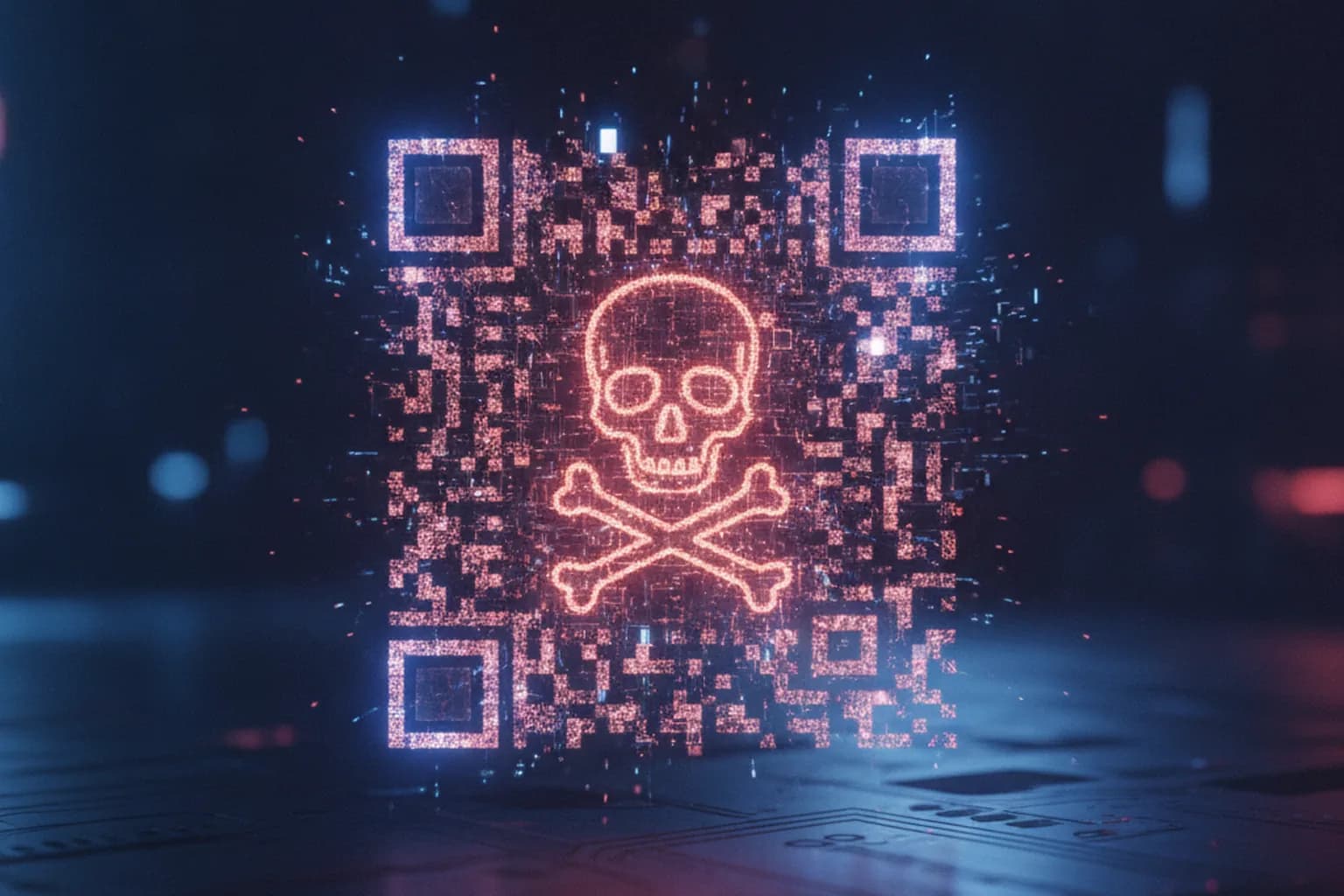
Quishing (from "QR" + "phishing") is a form of phishing where, instead of a regular link in an email or text, the scammer uses a QR code: scanning an image feels more routine and less suspicious than reading out a long URL, so victims are far less likely to scrutinize where they're actually being sent.
The mechanics almost always follow the same five steps:
- PreparationThe scammer generates a QR code pointing to a fake page, usually a visual clone of a bank, parking app, delivery service, or billing portal.
- PlacementThe code gets printed on a sticker and placed over a real QR code on a meter or kiosk, included in an email, printed on a fake notice, or attached to a package the recipient never ordered.
- ScanningThe victim scans the code with their phone's camera without reading the domain shown in the preview, or without noticing it doesn't match what they expected.
- Landing on the cloneA page opens that visually mimics the real bank, parking service, or delivery company, complete with a form asking for card details, a login, or an SMS code.
- Data theftWhatever gets typed in goes straight to the scammer, or gets used to push through an unauthorized payment, subscription, or account takeover.
Sometimes the QR code triggers a file download instead of a login form, for example "an app to claim your reward," and the attack works through malware installation rather than credential theft.
What makes this different from a generic phishing email is the physical layer: steps one and two above require the attacker to actually interact with the real world, printing a label, mailing an envelope, or walking up to a meter, rather than just sending a message from a distance. That physical step is also the easiest point for a target to catch the attack, simply by noticing that something about a code's placement or printing doesn't match everything around it, which is a much easier habit to build than trying to spot a well-crafted fake login page after the fact.
Why QR Codes Slip Past Your Usual Defenses
QR codes get past your normal defenses because three things that usually help you spot phishing (a visible address, a text-based email filter, and visual suspicion) either don't apply here or only apply partially.
- The address is hidden behind an image. A regular phishing link shows its domain right in the text of an email or message; a QR code encodes that address graphically, and you only see it in the small camera preview at the exact moment you scan, something most people glance past or skip entirely.
- Some email filters don't parse a link hidden inside an image. Spam filters have spent years learning to analyze text links, domains, and attachments; not every filter (not all, but a meaningful share) decodes a QR code image and extracts the URL inside it, so a malicious code can slip through a filter that would have blocked the same link as plain text.
- A QR code isn't human-readable before you scan it. Unlike a link, a grid of black-and-white squares carries no information a person can read directly; trust in it rests on the assumption that whoever placed it is also who they claim to be, not on any independent check.
- Context does the convincing, not the code itself. A QR code sitting on a parking meter, a restaurant table, or an official-looking letterhead borrows the trust of its surroundings. People rarely treat the code as a separate object worth checking; they treat it as part of the terminal, the table, or the letter it's attached to.
Where Quishing Shows Up Most Often
Quishing tends to appear exactly where a QR code is already a routine part of everyday life, like paying for parking, tracking a delivery, or connecting to Wi-Fi, which is precisely why a sticker over the real code rarely raises an eyebrow.
| Scenario | Red flag | What to do |
|---|---|---|
| Sticker over a parking meter or scooter QR code | Code is printed on a separate sticker, peeling at the edges, or overlapping part of the terminal's original design | Don't scan a code with visible sticker marks; pay through the official parking app or the terminal's manual entry instead |
| Unsolicited email QR code "from IT" or "from finance" | Email pushes urgency ("verify now" or "update your card"), and the link is replaced entirely by a QR image with no text URL alongside it | Don't scan the code; go to the company's site by typing the address yourself, or call a number you already know is official |
| Delivery notice QR "to reschedule or track" a package you didn't order | QR is attached to a card with no tracking number next to it, and the message pressures urgency ("pick up within 24 hours or it's discarded") | Don't scan the code; check your order status directly inside the carrier's own app or account |
| Restaurant table QR code swapped for a lookalike | Code sits on a loose card or sticker instead of being printed on the table tent or menu itself | Ask staff to confirm the menu or payment link before scanning, especially if the code asks for payment details |
| Fake Wi-Fi hotspot QR at an airport or cafe | Network name looks almost right but has an extra character or typo, and the QR for connecting sits on a separate card rather than the venue's own signage | Confirm the exact network name with staff first; see our guide to fake Wi-Fi and evil twin attacks for how to tell a cloned hotspot from the real one |
None of these scenarios require any special technical setup from the attacker: a printed sticker, a cheap label maker, and a convincing enough cover story are usually all it takes. That's part of why quishing has spread so quickly across so many unrelated contexts, from a single parking meter to a mass email blast, with essentially the same five-step mechanics behind each one.
How Do You Spot a Fake QR Code?
You can usually catch a fake QR code before you even scan it, just by looking at where it's placed, how it's printed, and what text surrounds it.
- A sticker or card placed over something else. Any QR code that looks like a separately attached element sitting on top of an existing terminal, notice, or sign is worth a second look.
- An unusual placement. The code sits somewhere the official one wouldn't normally be, for example off to the side of a payment terminal rather than on the screen itself.
- Urgency or pressure in the surrounding text. Phrases like "pay within the hour," "or face a fine," or "package will be discarded" are a classic tactic to stop you from checking calmly.
- A missing or blurry logo. Legitimate organizational QR codes usually come with crisp, consistent branding; a blurry, mismatched, or missing logo is a warning sign.
- An unfamiliar or shortened domain in the preview. Most scanning apps show the destination address before you tap through; if it doesn't match the real organization, or it's a shortened link with no indication of who it belongs to, don't continue.
- An immediate request for card details. Legitimate services rarely ask for full card information on the very first screen, bypassing the usual account or app flow.
- A code you never asked for (unsolicited). If you weren't expecting an email, package, or notice containing a QR code, that alone is reason enough to verify before scanning.
No single red flag on this list is proof of fraud by itself; plenty of legitimate businesses print codes on stickers for perfectly ordinary reasons, like updating a menu or correcting a typo. What matters is the combination: a sticker over a sticker, paired with urgency, paired with an unfamiliar domain, is a very different situation from a single sticker on its own. Treat these signs as a checklist to weigh together rather than a single disqualifying test.
How Do You Scan a QR Code Safely?
Safe scanning comes down to one principle: see and verify the destination address before the page opens and starts asking for data, not after.
- Don't scan a code that shows visible signs of being a sticker, overlay, or physical tampering.
- Check the domain shown in the camera or scanner preview before tapping the suggested link.
- Compare that domain against the organization's actual official address, rather than trusting how convincing the resulting page looks.
- If the domain looks off, don't scan at all; type the organization's address into your browser manually instead.
- Don't enter card details or a password on a page without HTTPS or with an unfamiliar, suspicious domain, no matter how polished the page looks.
- To check an unfamiliar destination URL from a QR code, run it through our link safety check, which unwraps shortened links and shows the real destination domain before you open it.
- When paying by QR at a parking meter, cafe, or on a bill, confirm the amount and recipient on the confirmation screen before you tap "pay."
None of this requires special software or technical skill. It's a habit, the same way checking a sender's email address before clicking a link became a habit for a lot of people over the past decade. Building the same pause before scanning a code, rather than after a page already opened, is the single biggest factor separating a close call from an actual loss.
What Should You Do If You Already Scanned a Malicious QR Code?
What to do next depends entirely on what actually happened after you scanned: did a page simply open, did you enter data, or did something download.
- A page opened, but you didn't enter anything. Close the tab and don't go back to that link; no further action is needed as long as you didn't fill in a form or download a file.
- You entered your card details. Call your bank immediately using the number on the back of your card or on its official site, ask them to block the card, and file a dispute for the unauthorized charge. The sooner this happens, the better your odds of reversing it.
- A file or app downloaded. Don't open or install it; delete the file and run an antivirus scan on your device before using it for anything sensitive again.
- You entered a login and password. Change that password immediately, and anywhere else you reused the same credentials, then turn on two-factor authentication if it wasn't already enabled.
In every one of these cases, speed matters more than certainty. Banks and account providers deal with compromised cards and credentials routinely, and reporting something that turns out to be harmless costs you a few minutes; waiting to be completely sure before reporting an actual breach costs you money or access you may not get back.
Quishing vs. Phishing, Smishing, and Vishing
Quishing, phishing, and smishing all try to get you to open a fake page, but they rely on different delivery channels, and that's exactly what changes how easily a victim can spot the trick.
| Attack type | Delivery channel | What the victim sees | Why QR is harder to catch |
|---|---|---|---|
| Phishing (email) | A link in the body of an email | The full link address, visible in text or on hover | — |
| Smishing (SMS) | A link in a text message | A short text address, sometimes shortened by a link service | URL shortening already partially hides the real domain |
| Vishing (phone call) | A voice call, often spoofing a real number | No link at all, just a spoken request for information or a callback number | Victim has no visible address to check at all |
| Quishing (QR code) | A graphic code on paper, a screen, or a sticker | The address is completely hidden until the moment of scanning, visible only in the camera preview | There's no way to read the destination by eye without scanning, and some email filters don't decode QR images as links |
The practical implication is that the defenses people have already built up against email and text phishing, such as checking the sender, reading a link before clicking, or being suspicious of an unexpected message, don't transfer cleanly to a QR code sitting on a physical object. The habit has to be relearned specifically for codes, not assumed to carry over automatically from one channel to another.
What a QR Scanner Can and Can't Protect You From
A scanner with a preview reduces quishing risk, but it doesn't eliminate it entirely, and it's worth being clear about where its job ends.
A camera or scanner shows you the domain a code points to, which is genuinely useful: you can see when a link leads to an unfamiliar or obviously odd address instead of the one you expected. But a domain "looking legitimate" doesn't guarantee the site behind it is safe: scammers register lookalike domains, often swapping a single character or adding a hyphen, that are easy to mistake for the real organization's address at a glance.
So a scanner with address preview is a first filter, not the final word: it catches the crudest cases of substitution, but it doesn't replace actually checking the destination site itself, especially when the domain is unfamiliar or differs from what you expected by even one character. No tool offers a 100% guarantee of safety, and that's worth treating as a fact about the category, not a flaw specific to any one scanner or any one vendor.
This is also why pairing a scanner with a separate link check matters more for QR codes than for a typical text link: with a QR code, the preview is often the only chance you get to catch a problem before the page loads, since there's no visible URL anywhere else to fall back on. Treat the preview step as mandatory rather than optional, especially for anything involving payment or login details.
Bottom Line: Protecting Yourself from Quishing
Quishing is phishing delivered through a QR code, and the core risk is the same as any other phishing attempt: entering card details or a password on a fake page. The difference is that the destination is hidden behind an image and only visible at the moment you scan, which is exactly why the main defense is simple: check the domain in the camera preview before you tap through, skip any code with visible signs of tampering, and verify unfamiliar addresses separately, for example with the LiMP VPN QR code scanner or the link safety check, before entering anything on the page that opens.